

ONLINE TOOLS FOR EVERYDAY TASKS
The right tools for every journey.
Builto brings all the tools you need to create, connect, launch, and grow — in one simple place.
7 online tools. Choose what you need.
Use each app separatelyWhat are you working on?
7 AppsChoose a tool to get started.
Featured tools
Tools for websites, documents, and tasks.
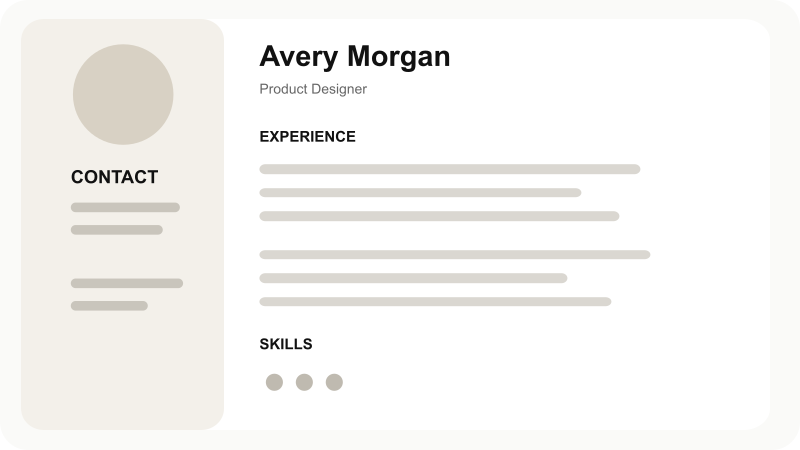
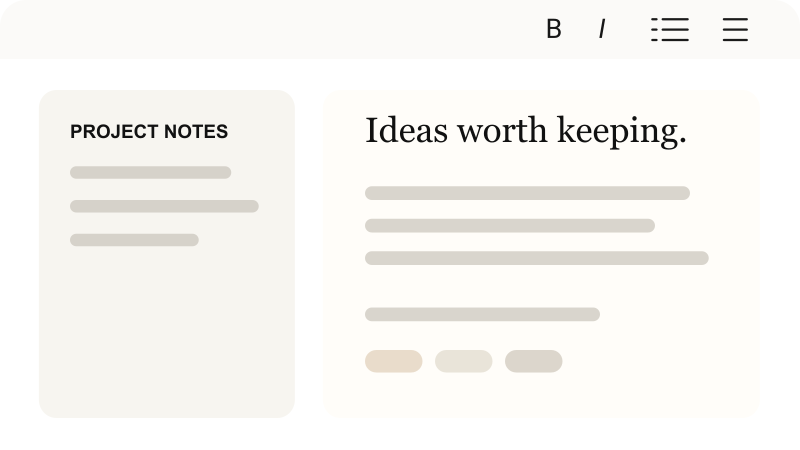
Compare the apps below. Explore Resume Builder and Notes in detail or open another tool to get started.
How to use these tools
Pick your task.Choose your tool.
Start by capturing ideas, set a schedule, then prepare the finished work for sharing.

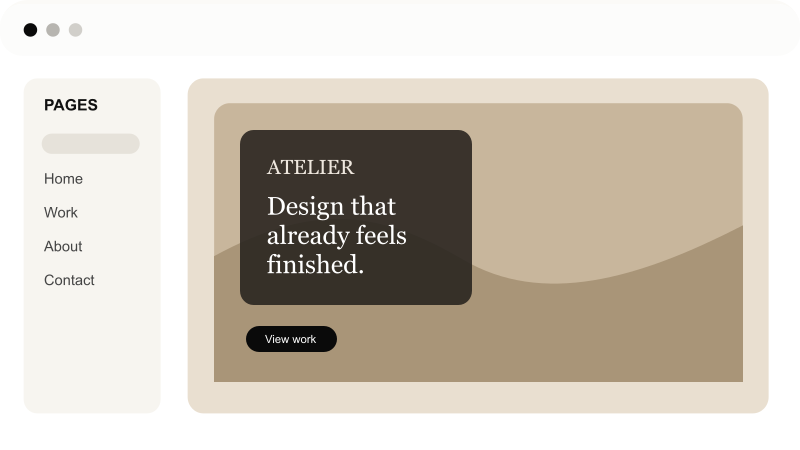
CreateBuild a website
WriteWrite notes and CVs
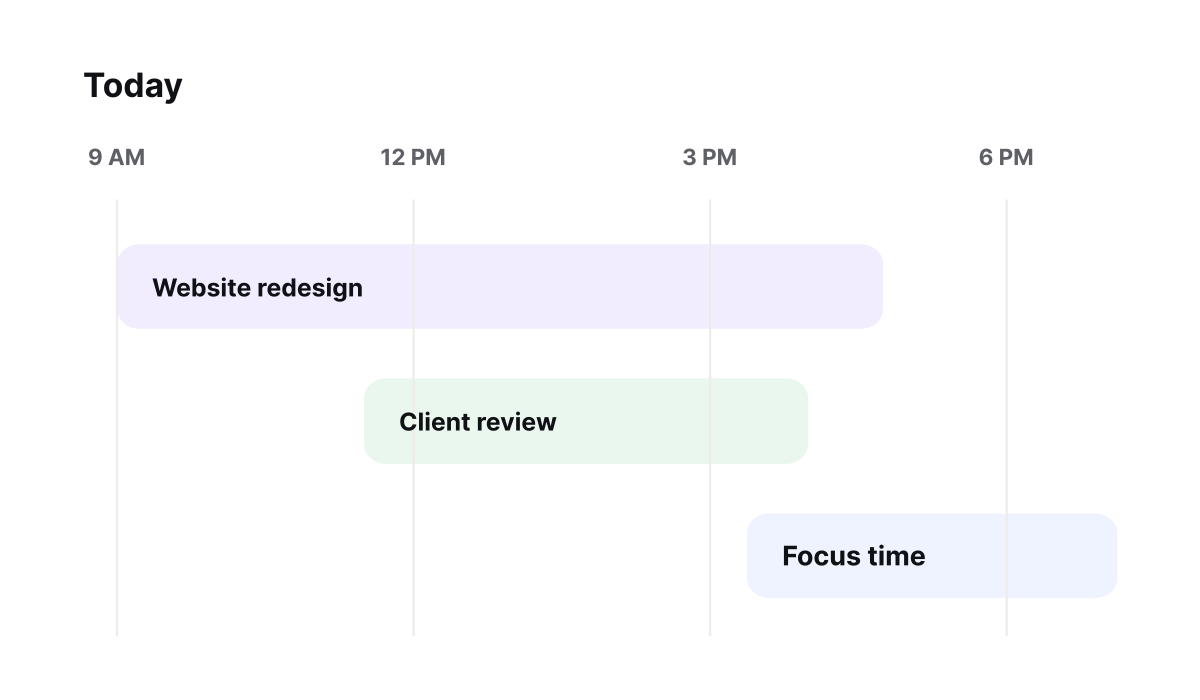
PlanSchedule daily tasks
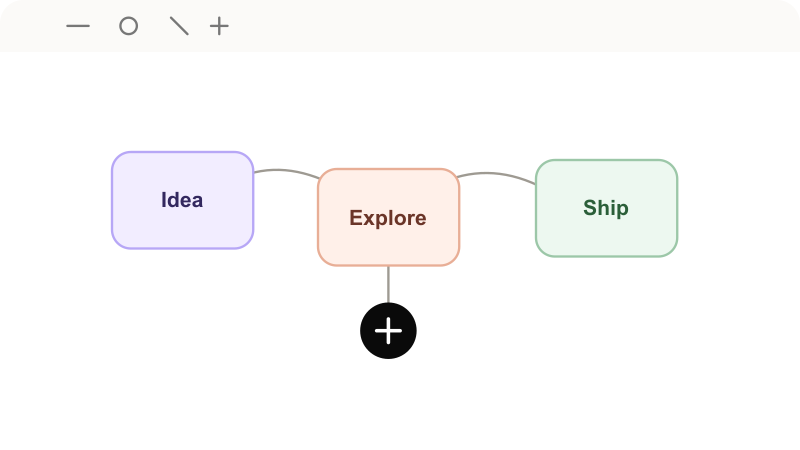
OrganizeArrange project ideas
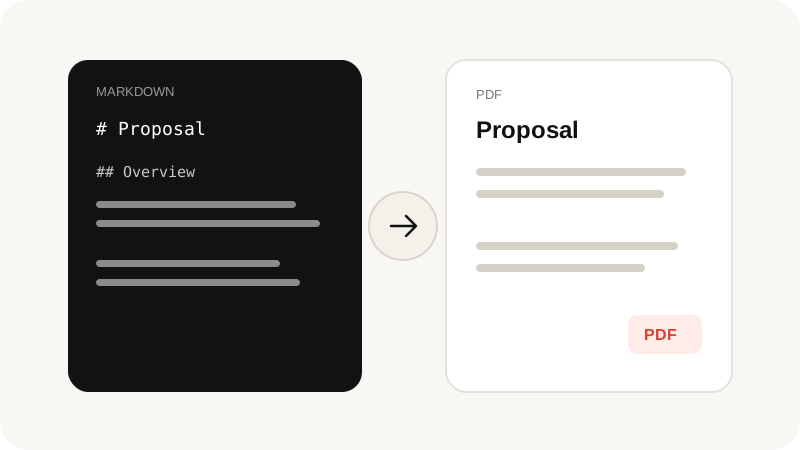
PublishPublish sites and PDFs
Why use Builto
Why choose Builto Tools?
Choose individual apps and move between them through a shared menu.
Find the app for your task.
Use each editor independently and switch when you need a different format.

Tools by task
Each editor has controls for a specific job, so you can start with what you need.
Familiar controls
Find similar menus and controls as you move between Builto apps.
Start with one
Open one app for your current task. Use the other tools when you need them.
Browse the tools
Find all seven apps in the tool list, with a description of what each one does.
Open an app
Go straight to an editor from its app link without browsing the entire catalog.
Publish and export
Publish live sites, download print-ready PDFs, and export documents when ready.
7
online tools
Tools for daily work
Use a single app for a small job or several for different stages of a project.
Tools for everyday work and study.
Who can use Builto?
Tools for Work and Study
Use Builto for freelance projects, job applications, school notes, business websites, and daily task planning.
For Creators
Build a portfolio website, write notes, and sketch project ideas.

For Professionals
Prepare a professional CV, record meeting minutes, and track deadlines.

For Students
Write study notes, organize assignments, and prepare a first-job resume.

For Businesses
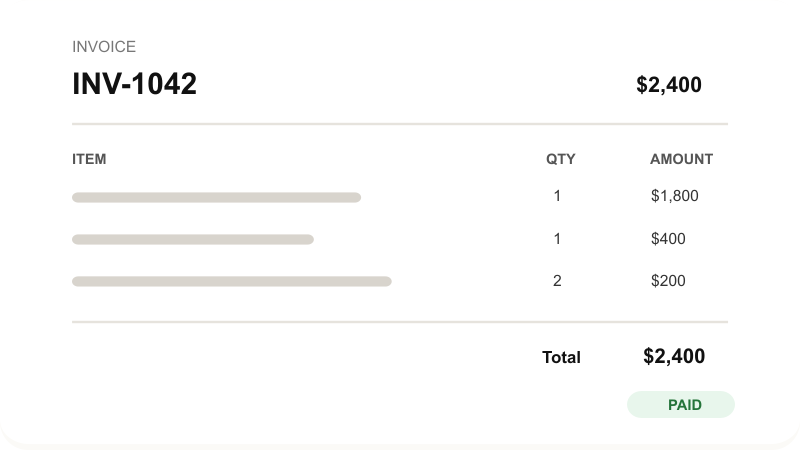
Prepare client bills, publish company pages, and schedule project work.

Choose your Builto tool
Choose a toolfor your next task.
Choose an app from the catalog and open its editor to begin your next project.

Seven online tools.For work and study.