
Website template
Portfolio Classicwebsite template
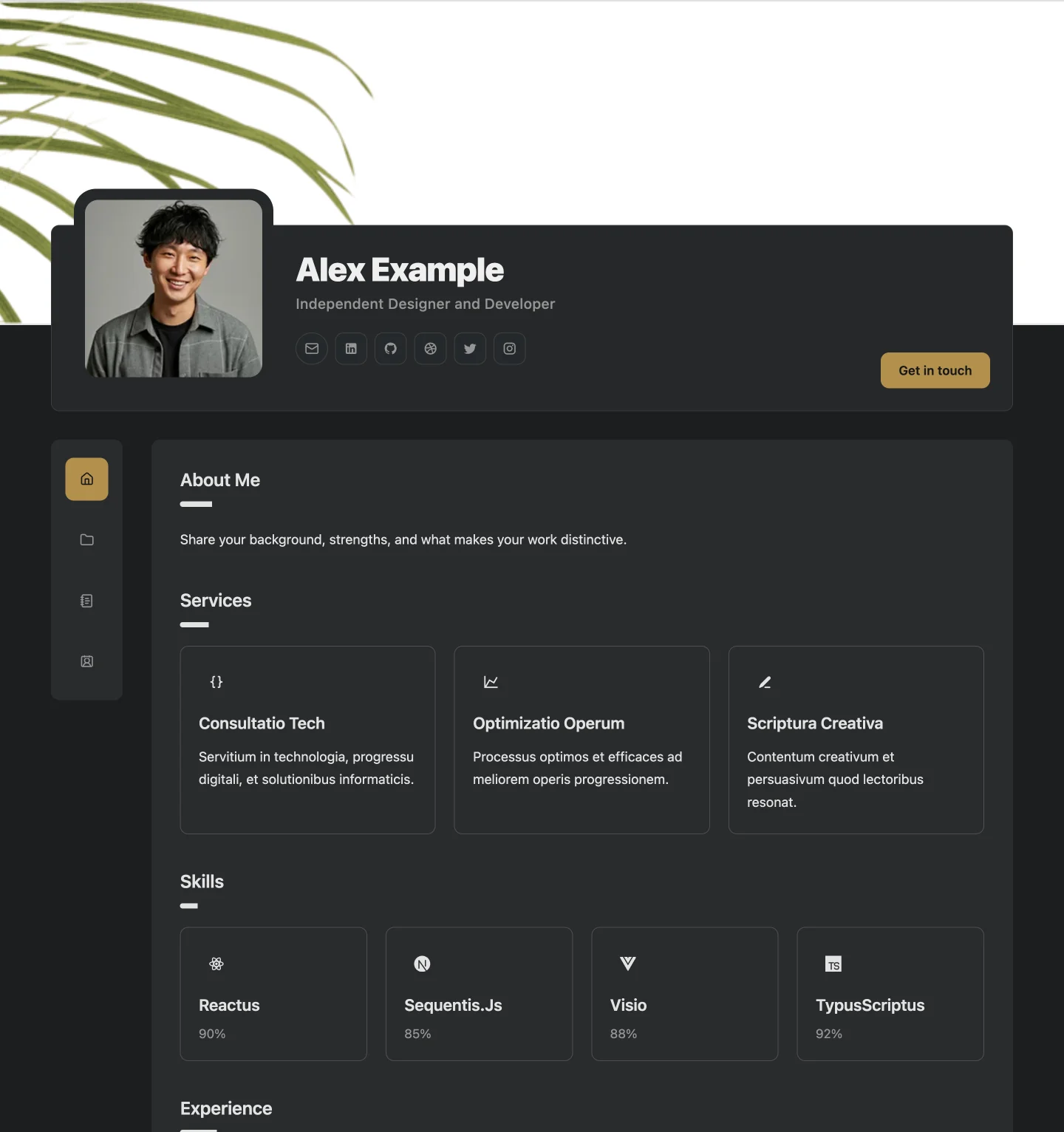
The original Builto portfolio with an overlapping profile, side navigation, and focused page cards.
Start a personal website from a ready-made portfolio layout. Each template includes a home page, a projects page with project detail pages, a blog, and a contact page that you fill in from the visual editor.
2 layouts
Website template
The original Builto portfolio with an overlapping profile, side navigation, and focused page cards.
Website template
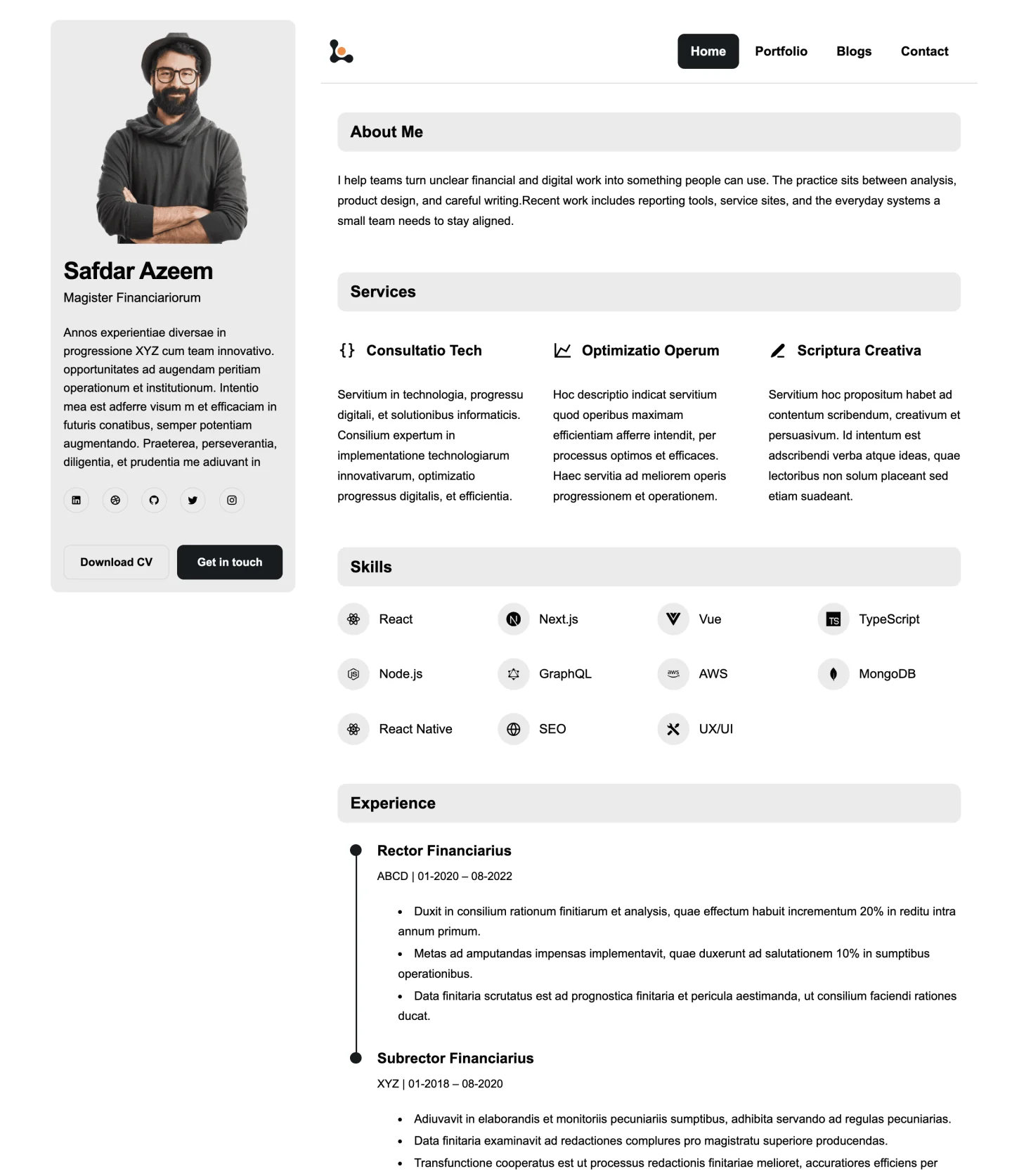
A clean portfolio with a persistent profile sidebar, horizontal navigation, and compact editorial sections.
Choosing a layout
Portfolio Classic keeps navigation beside the page content. Portfolio Sidebar keeps your profile in a fixed sidebar and puts navigation across the top. Pick the one that matches how visitors should move through your work.
If you plan to publish articles or long project write-ups, check how each layout presents text on the preview. Both templates include a blog and project detail pages.
A darker theme with an accent colour suits visual and creative work, while a light, compact layout reads well for consulting, engineering, and writing. You can change colours and fonts later either way.
Step by step
Open Website Builder, sign in, and select the template in the creation gallery. Adjust the starting colours and typography.
Edit your profile, biography, services, skills, experience, projects, and contact details through the editor forms. Hide the sections you do not need.
Check desktop, tablet, and mobile previews, fill in page SEO titles and descriptions, then publish when you are ready.
Want the full feature tour first? Explore Website Builder
Questions and answers
Builto Website Builder
Website Builder opens its template gallery, where you select the template and set its starting colors and typography.