
Invoice templates
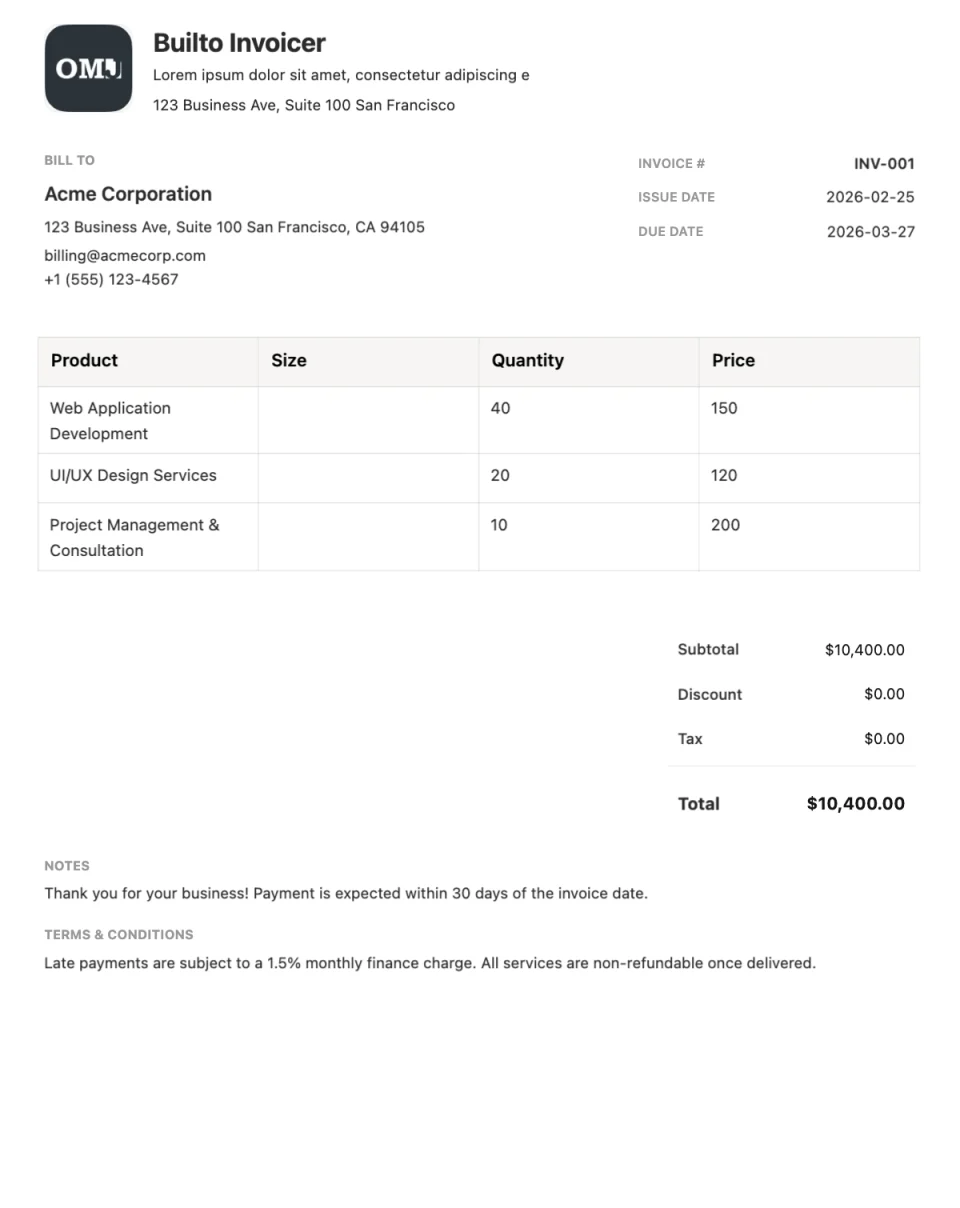
Pick an invoice layout for your business and fill it in online. Every template includes a brand header, customer details, an itemized line-item table, a totals summary, and a footer for payment terms or notes.
Invoice templates in Invoice Builder
4 layouts

Choosing a layout
How to choose an invoice template
Printed or on screen?
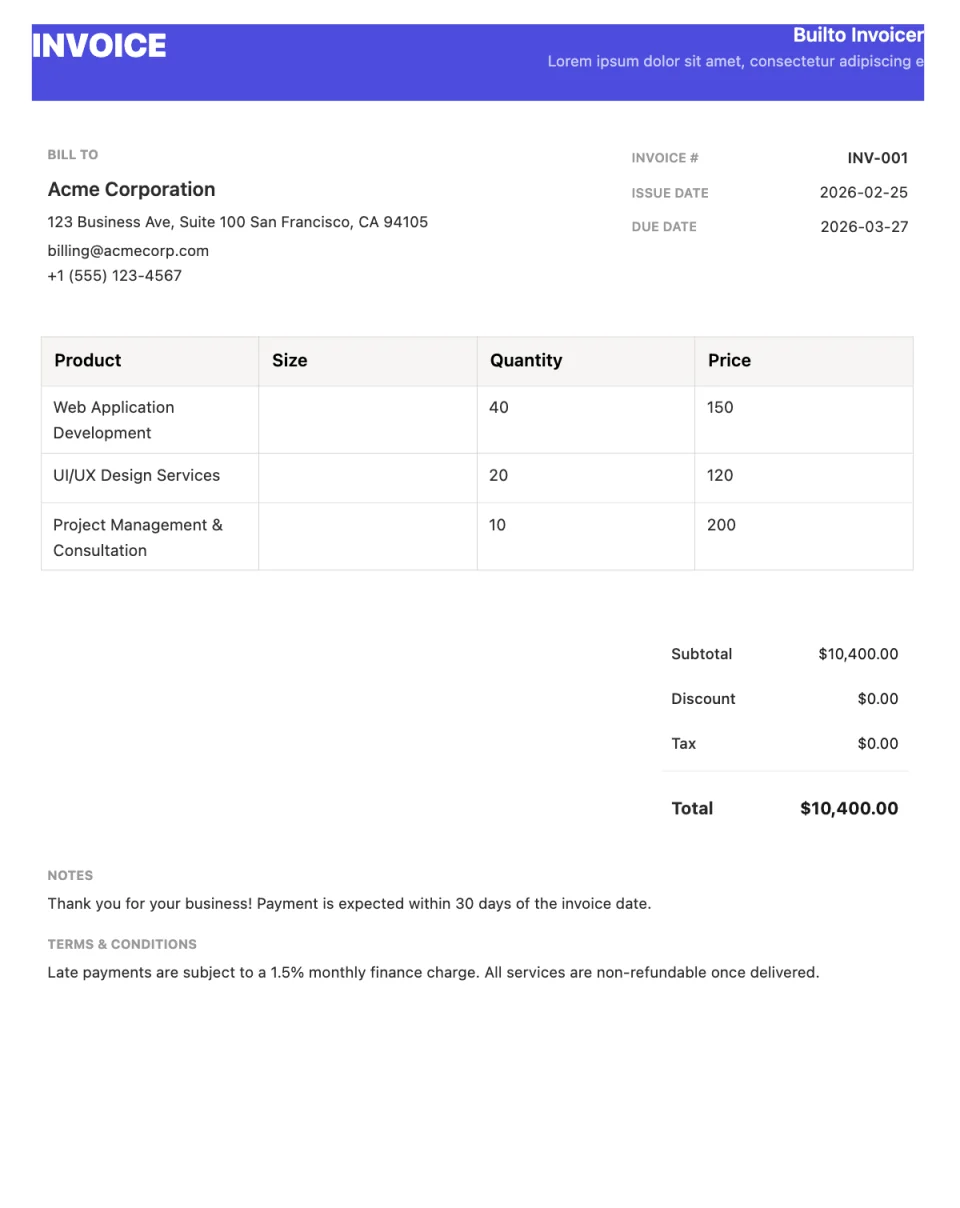
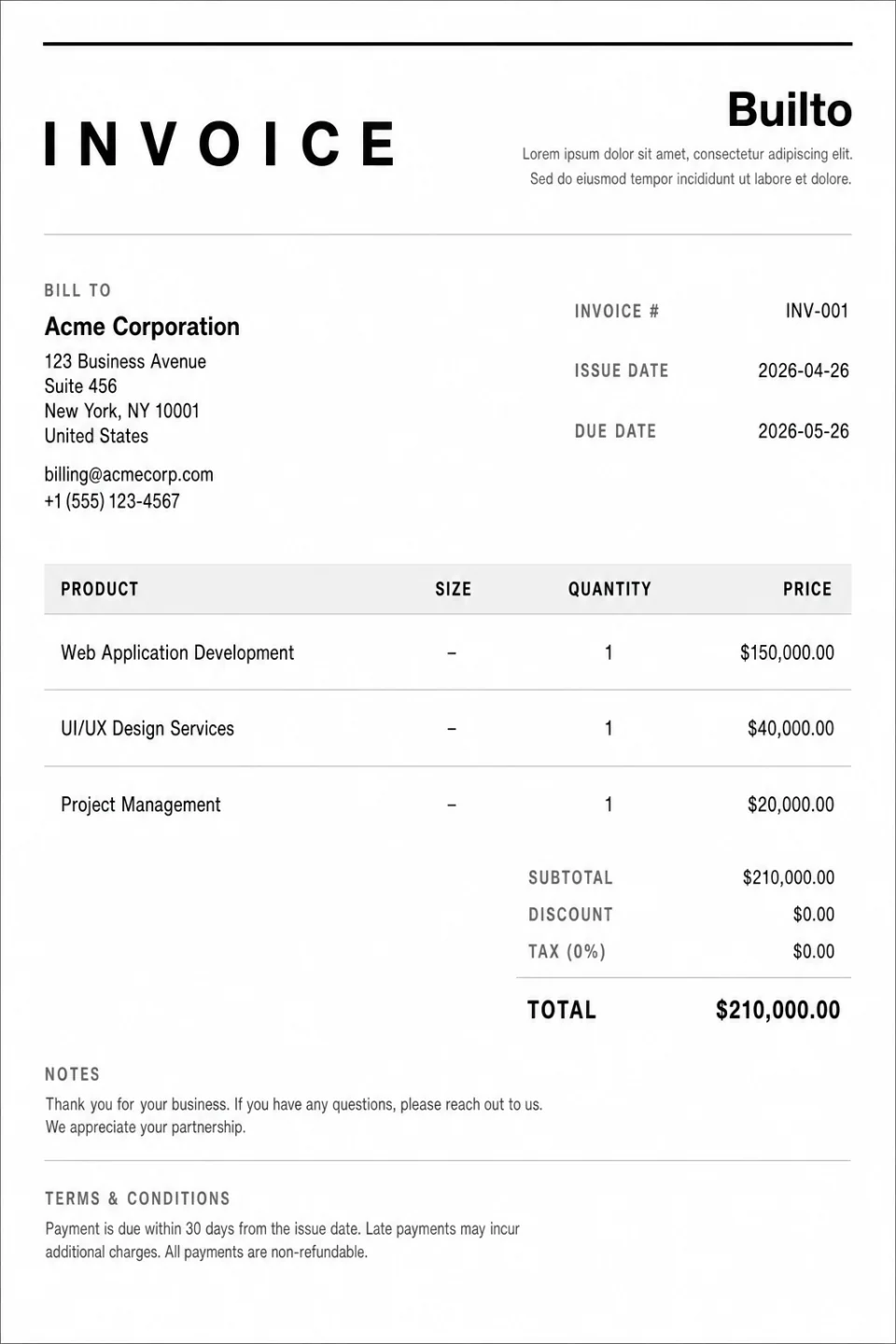
If your clients print invoices or you file paper copies, a monochrome layout such as Minimal or Formal prints cleanly. If invoices are mostly read as PDFs, a coloured layout such as Modern can carry your brand.
Match your brand
A bold header puts your logo and business name first. A quieter layout keeps attention on the amounts. All templates let you change colours, text size, and margins.
Keep the essentials visible
Whichever layout you choose, include an invoice number, issue and due dates, clear line-item descriptions, the total due, and your payment terms.
Step by step
How to use a invoice template
Choose a template
Open Invoice Builder, sign in, select Create Invoice, and pick a system template or one of your saved blueprints.
Add the work and the details
Edit your business and customer details, invoice number, dates, line items, discount, and tax directly on the page.
Download or share
Check the totals, then export a PDF, print, or enable a public viewing link.
Want the full feature tour first? Explore Invoice Builder
Questions and answers
Invoice template
questions and answers.
Builto Invoice Builder
Start with a invoice template.
Invoice Builder opens your invoice list. Select Create Invoice and choose the template from the system templates in the gallery.