
How to Build a Portfolio Website With No Experience
Use final-year, practice, and personal projects to build your developer portfolio. See how to document a full-stack app from requirements to deployment and put it on your CV.
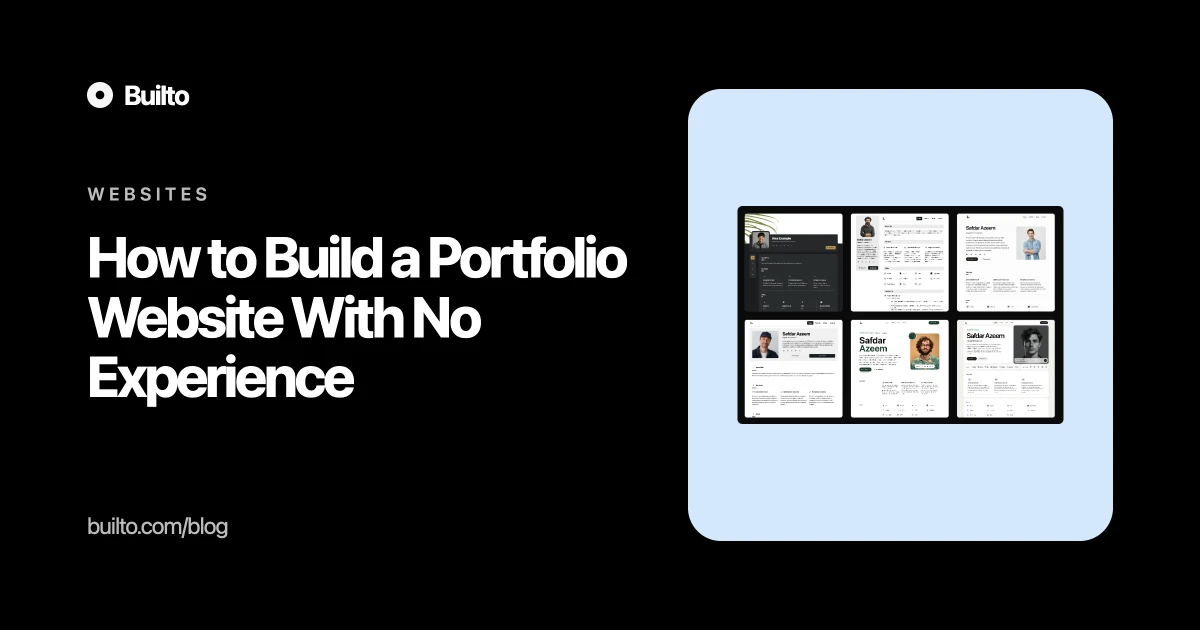
You can build a developer portfolio website without work experience using software you’ve already made. Add your final-year project, personal apps, and practice projects that show a skill you can explain. Give each project a page that says what you built and how it works. If your best project still only runs on your laptop, getting it online may be a better use of your time than starting another one.
What to put in a software engineer portfolio with no experience
Open your old repositories and make a list. Include projects from your degree, things you built to learn a framework, and tools you made for yourself. A final-year project can be your lead piece. If it was a group project, say what the team delivered and name the parts you built. A smaller practice project can sit alongside it if there’s a decision worth explaining, such as how you retried a failed import without creating duplicate records.
For each project, tell the reader who it was for, what you implemented, and how you handled a problem that came up. List the skills and tools where they help explain the work. If you list PostgreSQL, say what you used it for. If you built the interface, API, and deployment yourself, spell that out. Put the live demo and repository links where someone can find them as soon as they open the page.
Build one full-stack project you can put on your CV
If your existing projects cover individual skills, build one or two that show you can take a feature from the first requirement through deployment. One finished workflow is enough to start. For a property inquiry inbox, that could mean a viewing request comes in, appears in a shared queue, and gets claimed by one team member. The demo can use fictional listings and inquiries.
Before asking a coding agent for a patch, write down what has to work. Who can claim an inquiry? What should happen if two people click at the same time? When you review the changes, follow the request from the button through the API to the database. Keep the assignment rule in one place so a second screen can use the same rule later.
Give the repository a README with setup instructions, a way to load sample data, and the command to run the tests. Deploy the app and try the flow on the public URL. If a request fails, check whether the interface gives the user a way to recover and whether the server logs tell you enough to find the problem. These are decisions you can explain in an interview, even if a coding agent wrote the first patch.
A developer portfolio example you can adapt
Write the project page around a change you could walk through in an interview. This example shows how a personal project could read once you’ve built and checked it.
Property inquiry inbox
When a listing gets a viewing request, the inquiry appears in a shared inbox. I wanted one agent to be able to claim it, with the owner visible to everyone else.
I gave a coding agent a small task: add the Claim action and show the owner in the inbox. In the first patch, the server checked whether the inquiry was unassigned and then saved the new owner in a separate step. I changed the update so the database only assigns an owner if the inquiry is still unclaimed.
I added a test that sends two claim requests for the same inquiry and checks that exactly one succeeds. I also tried the deployed preview with two demo accounts. The second account saw who had claimed the inquiry and could return to the list without reloading the page.
Put the demo link near the top of the project page. Under the write-up, link to the pull request or commit and the specific test. A short clip can show the two accounts side by side. Leave the steps in text so someone can follow them without watching the clip.
How to list a full-stack project on your CV
Use one bullet to say what you delivered and link the project name to the portfolio write-up. For the inquiry inbox, it could read like this:
Built and deployed a full-stack property inquiry inbox. Added an assignment rule that prevents two team members from claiming the same inquiry, and verified it with a concurrency test.
On the project page, link to the demo and the relevant code. The CV bullet gives someone a reason to click. The write-up gives them enough detail to ask how you made it work.
What pages does your first portfolio website need?
Start with a home page, somewhere to show the work, and a way to get in touch. On a student portfolio website, the home page can double as your About page. A sentence like “I’m Maya, a computer science student looking for a front-end internship” is enough to introduce the work.
Put the inquiry inbox where someone can reach it from the home page. Call it “Property inquiry inbox” so they know what they’re opening. If you include a resume, check that it opens without a login. Put your email or contact link somewhere a visitor can find it again after looking at a project.
How to build your portfolio website in Builto
Pick a template by looking at the work
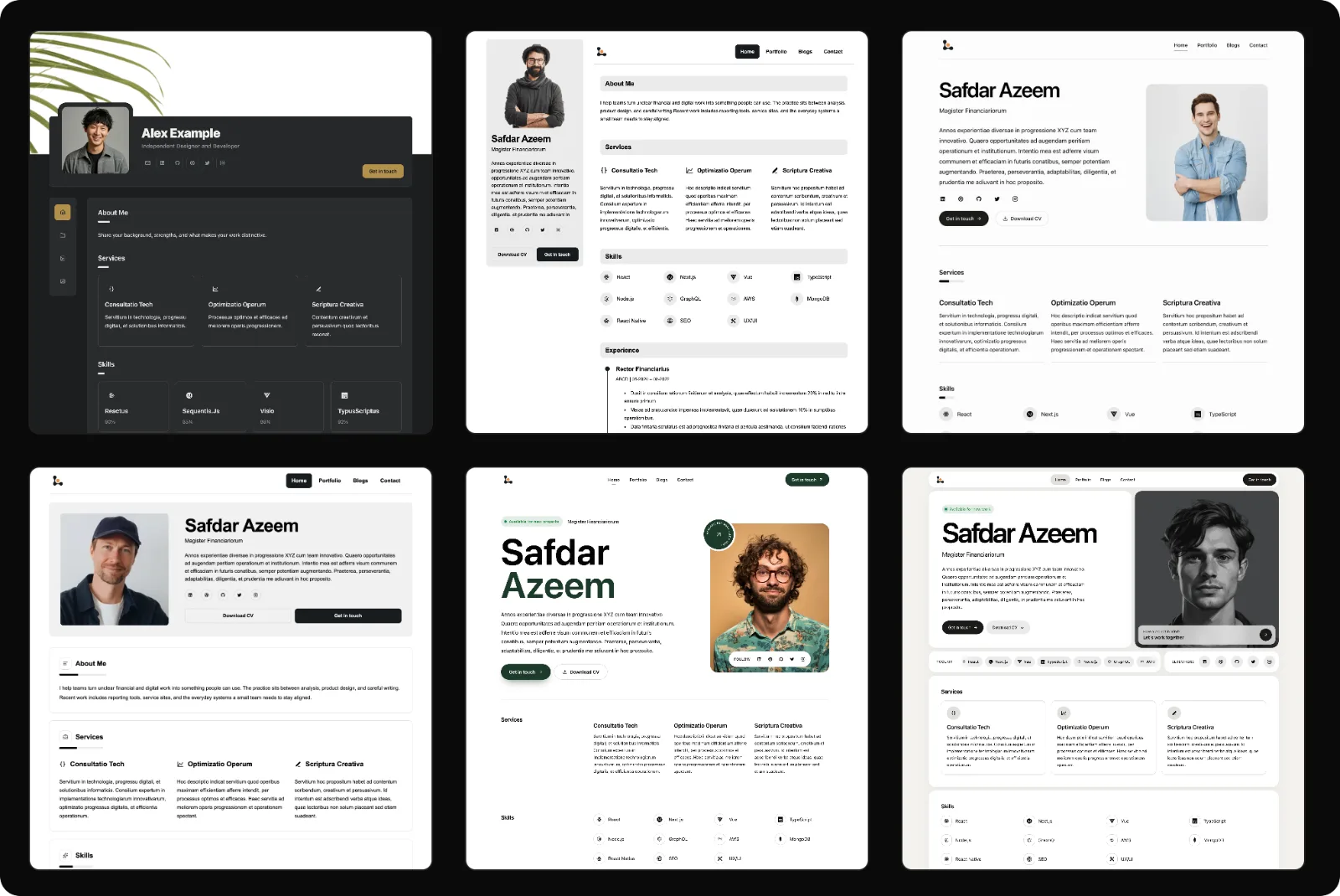
Open a project page when you’re comparing layouts. Check that a visitor can see the app screenshot and find the demo link without hunting for it. Try the layout on a narrow screen too, especially if your screenshots show a wide desktop app. Browse Builto’s portfolio website templates.
Replace the sample content
Sign in to Builto Website Builder and choose a template. In Content, replace the sample bio and add your first project. Paste in the description, upload the work, and add alt text that says what someone would learn from the image. Hide sections you don’t need. An internship portfolio can go live without a Services section.
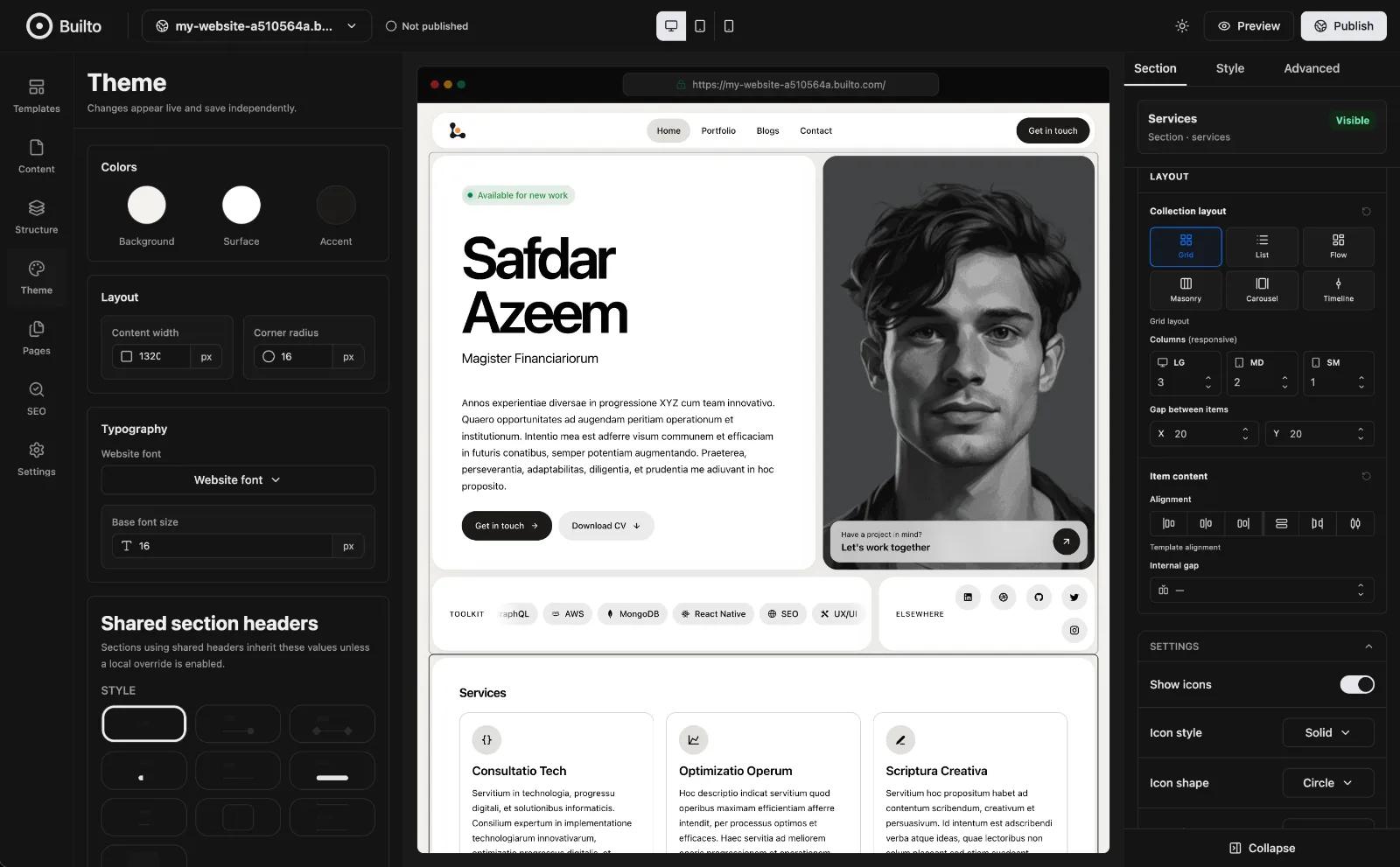
If the text feels cramped once your own work is in place, open Theme. Check typography and colors against the page you’re actually going to publish. You can see the changes in the canvas beside the controls.
Check the site on your phone before sending it
Use the phone icon at the top of the editor and open Preview. Start at the home page and see how quickly you can get to the first project. Open the demo and repository links, then try the contact link. Scroll to the bottom too, where sample links are easy to overlook.
Select Publish when you’re ready. Open the public URL in a private window on your phone and try the route again. That’s the URL you can put on a resume or send with an application.
Questions about making a first portfolio
What if I have no projects at all?
Pick one workflow you can finish and deploy. For the property inbox, start with a viewing request that appears in a queue and can be claimed by one person. Give someone the demo URL and ask them to claim the request without your help. Fix whatever stops them, then write up the change.
How many projects should I put in a beginner portfolio?
Two or three is a good starting point if each is relevant. If you have one piece you can explain well, publish it and add the next one when it’s ready. You can swap out older work as you get closer to the role you want.
Try it in Builto
Ready to put this into practice?
Publish a fast website without code. Free to start, no setup needed.
Builto Blog
Related articles
How to Make an Invoice: Step-by-Step Guide + Example
Finished a job and need to bill your client? Follow a freelance invoice example from line items and payment terms to the PDF and email you send.