
Resume template
Momentumresume template
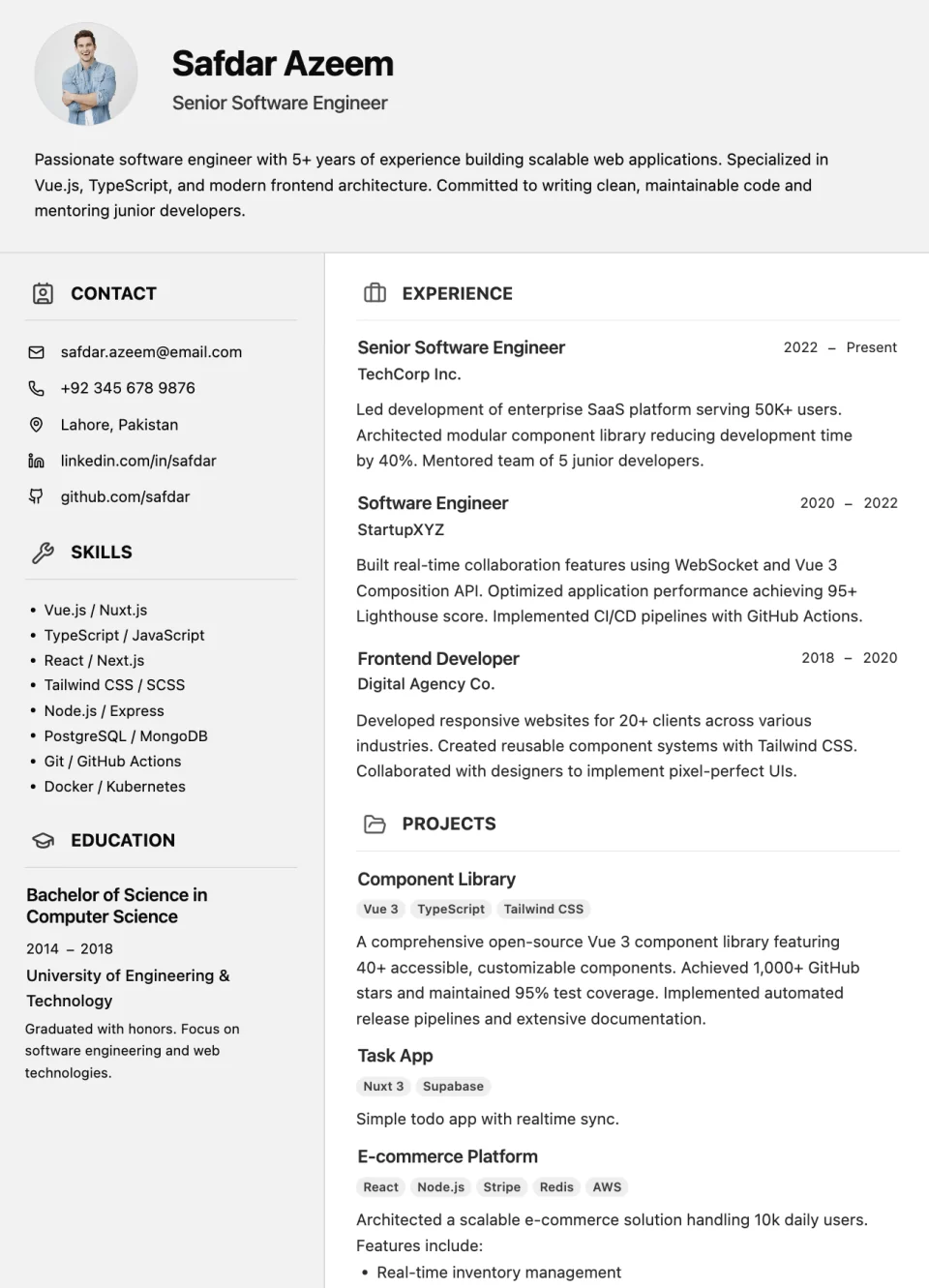
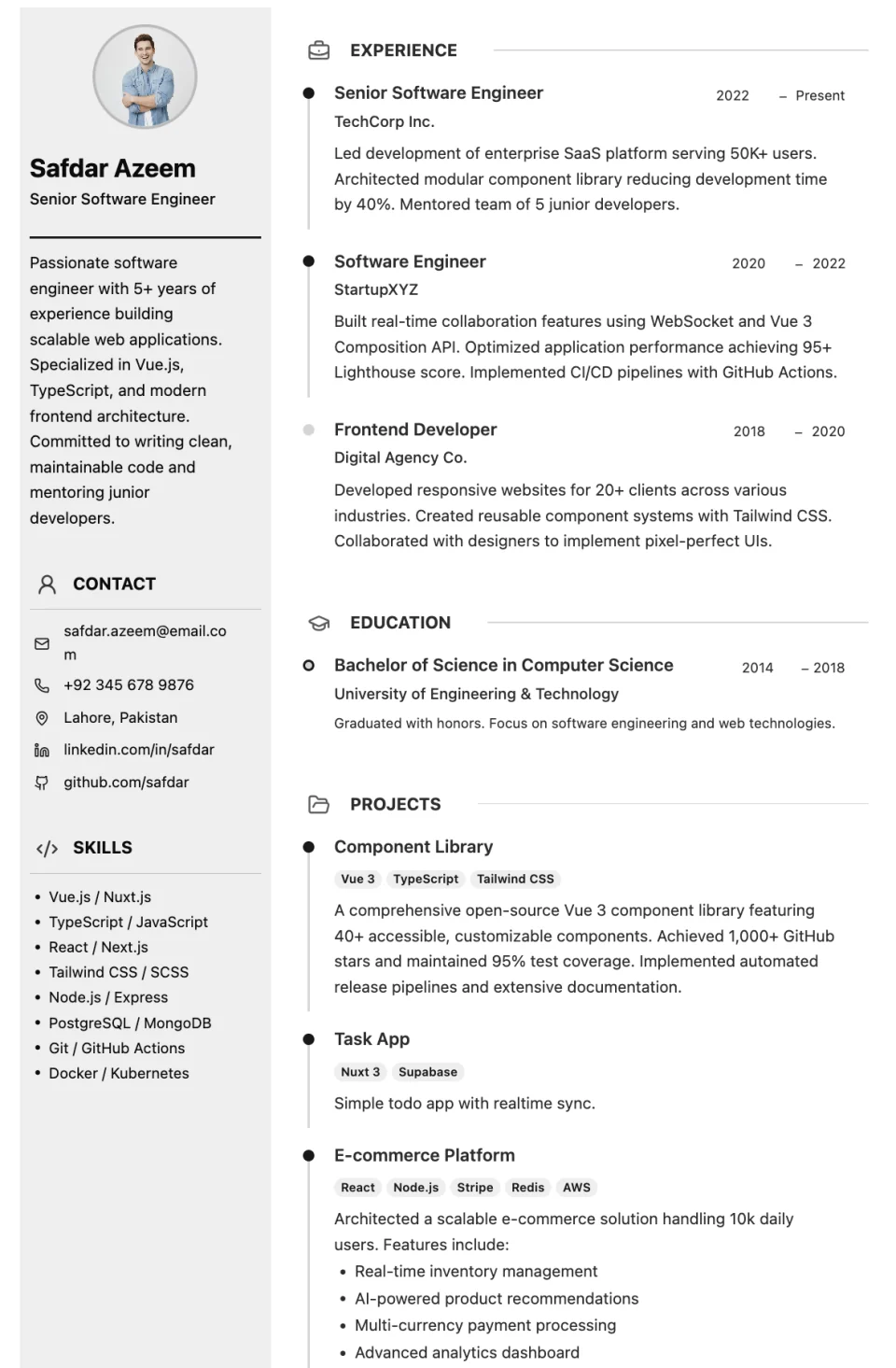
A two-column resume with a full-width profile header, contact and skills on the left, and experience and projects on the right.
Resume template
Polished profile header with structured career and qualification cards.
Resume Builder opens its template step, where you select the template, set its starting style, and create your resume.
Overview
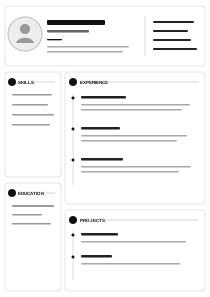
Executive Grid starts with a polished, horizontal profile header and organizes the rest of the page into structured cards for your career and qualifications. The result is a formal, orderly resume that presents a lot of information without feeling crowded.
It includes an objective, contact details, skills, education, experience, and projects, so you can present both leadership experience and formal qualifications.
Use cases
A formal structure for extensive career history.
An orderly layout suited to conservative industries.
Certifications and education get their own clear cards.
How to use it
Select the button on this page and sign in. Resume Builder opens its template step, where you select the template, set its starting style, and create your resume. Look for Executive Grid.
Click any text on the page to replace the sample content. Add, remove, or reorder entries and rename headings to fit your experience.
Review the layout and page breaks, then use Export as PDF. You can also print or share a public link.
See every editing, export, and sharing feature on the Resume Builder page.
Resume template
A two-column resume with a full-width profile header, contact and skills on the left, and experience and projects on the right.
Resume template
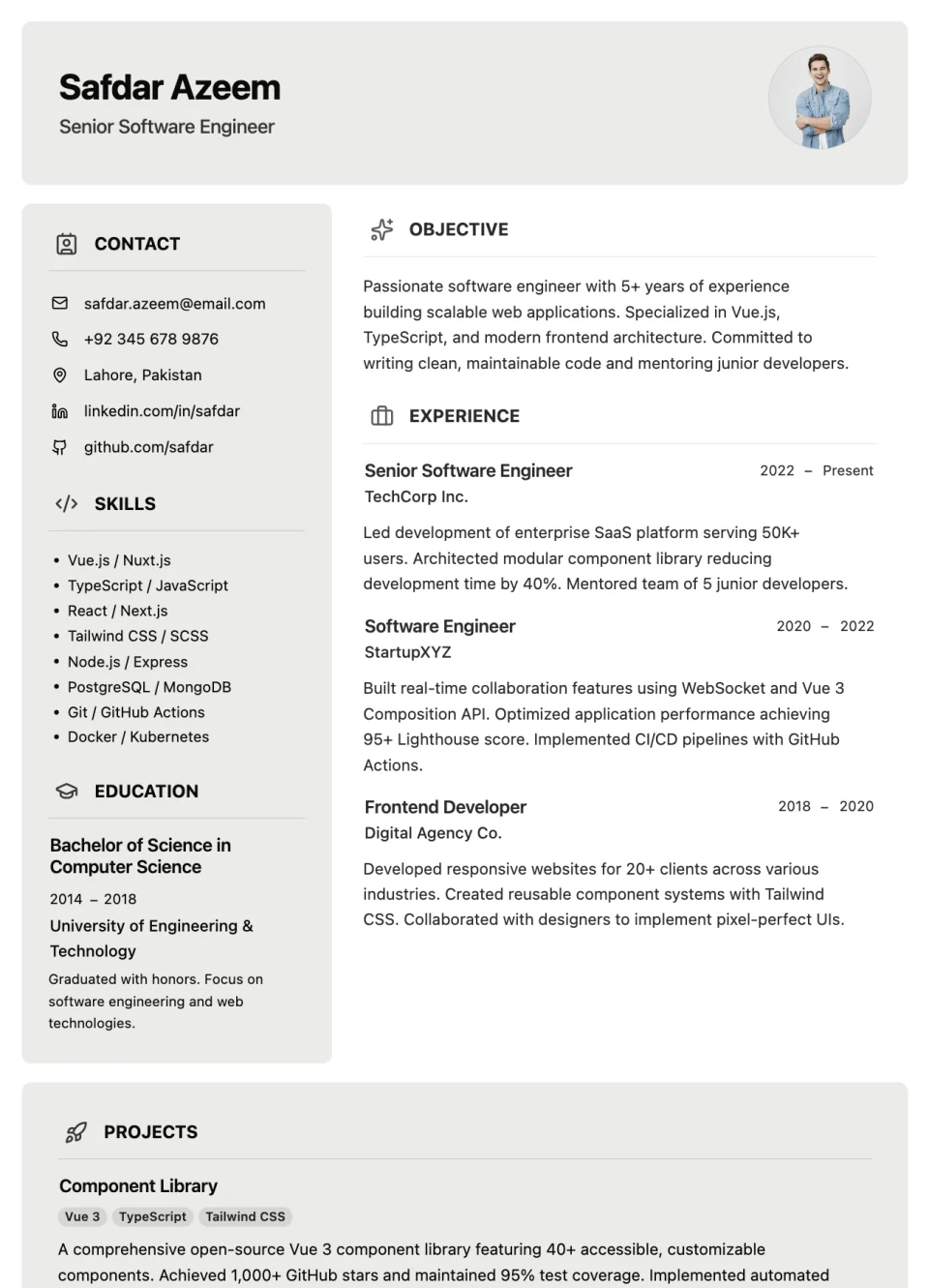
A two-column resume with a boxed name header, an objective above your experience, and a full-width projects section at the bottom.
Resume template
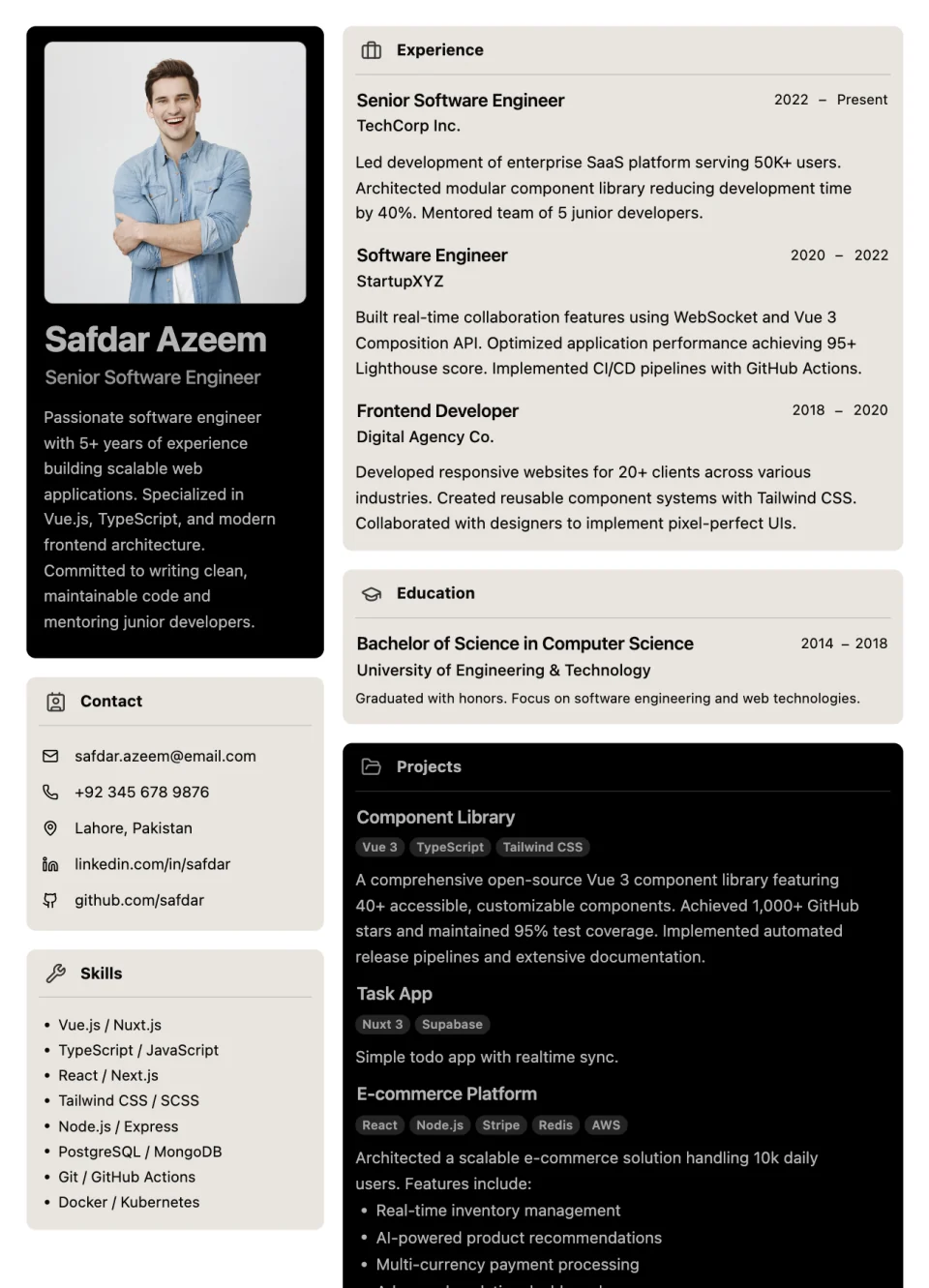
Minimal profile sidebar with refined timeline sections and blue accents.
Also browse website templates and invoice templates.
Questions and answers
Builto Resume Builder
Resume Builder opens its template step, where you select the template, set its starting style, and create your resume.