
Resume template
Momentumresume template
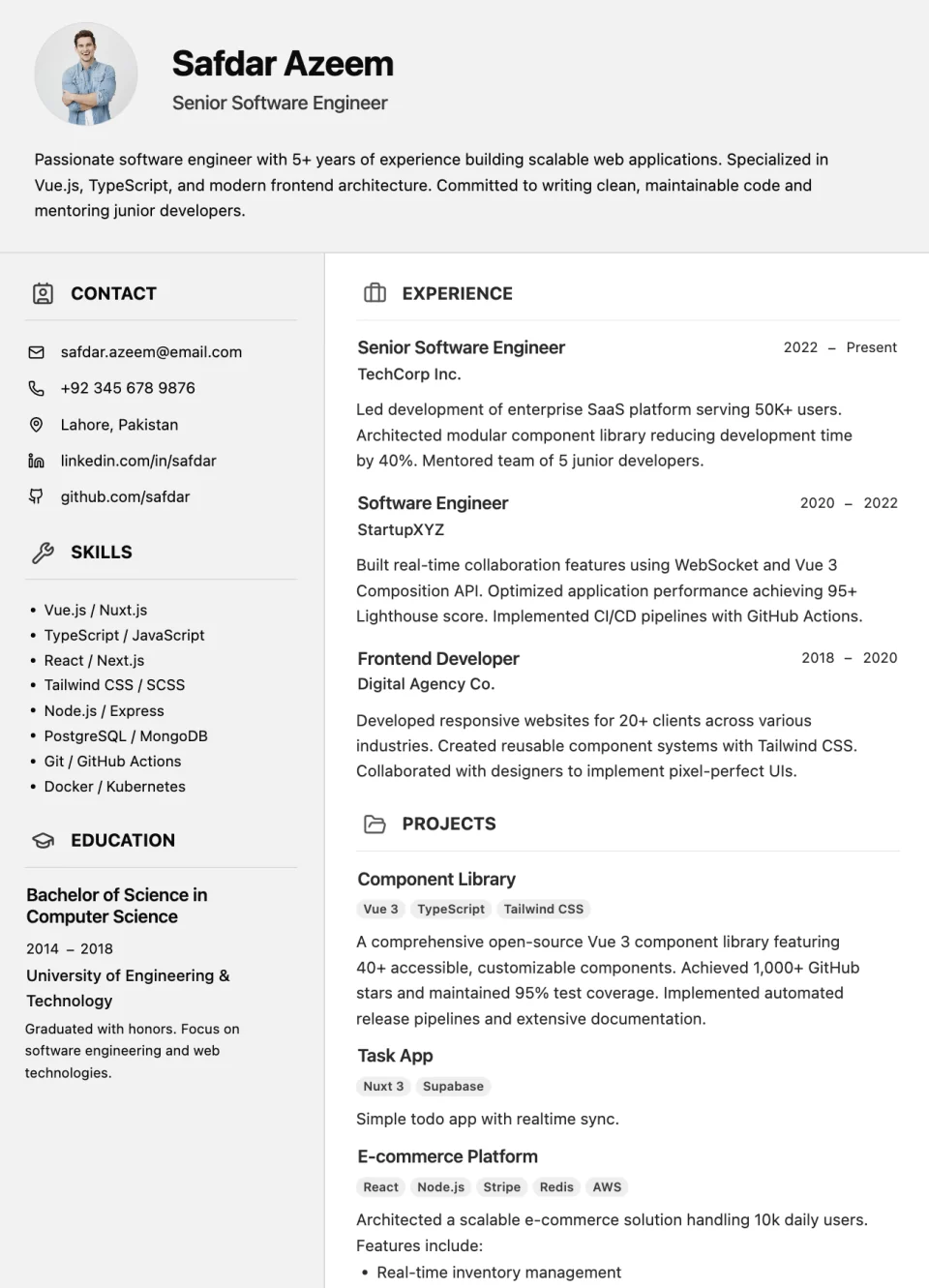
A two-column resume with a full-width profile header, contact and skills on the left, and experience and projects on the right.
Resume template
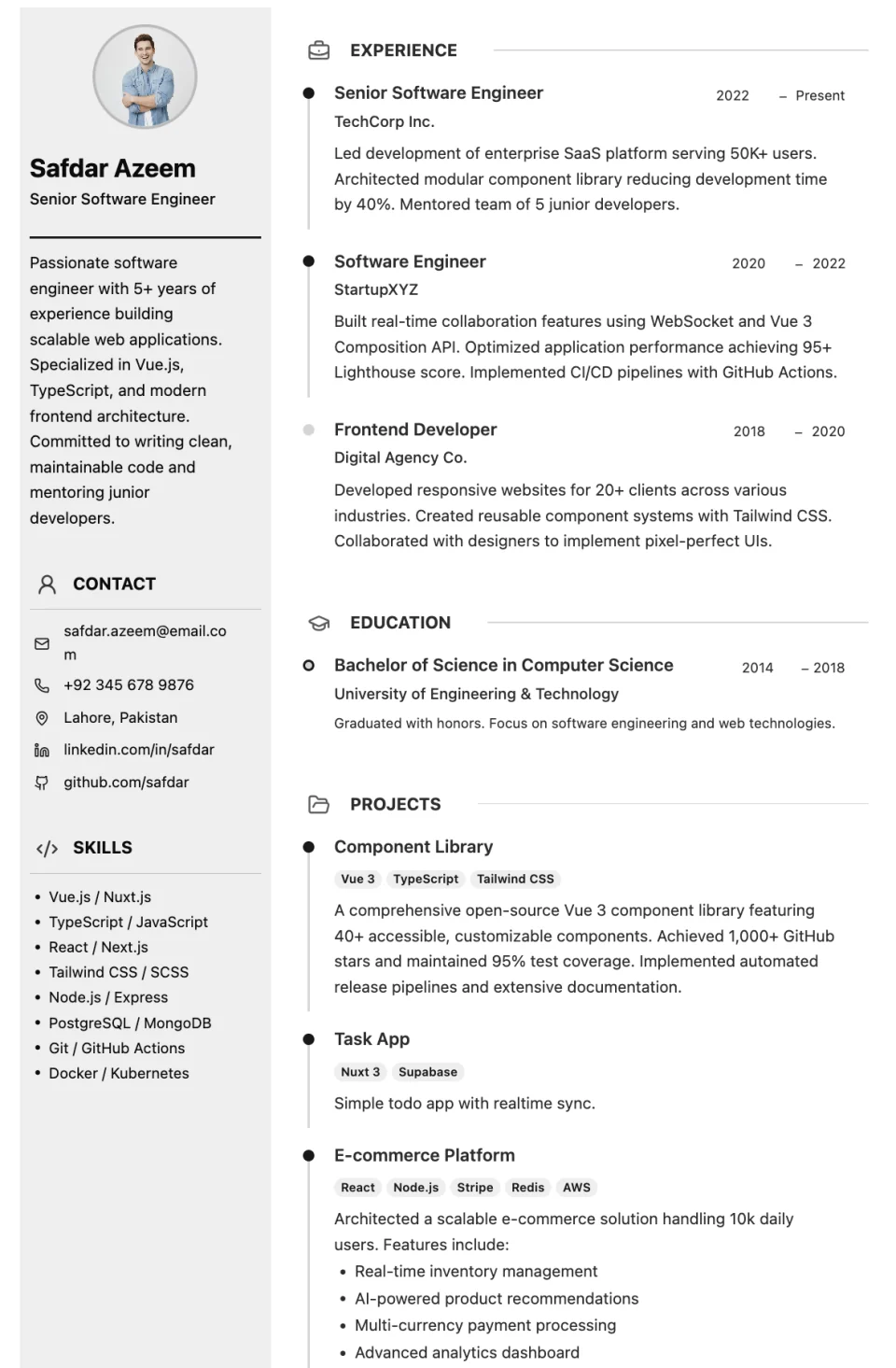
Minimal profile sidebar with refined timeline sections and blue accents.
Resume Builder opens its template step, where you select the template, set its starting style, and create your resume.
Overview
Premium Sidebar pairs a minimal profile sidebar with refined timeline sections. Your photo, contact details, and skills sit in the sidebar, while experience and education run down the main column as a timeline with blue accents.
The timeline makes career progression easy to follow, which helps when you have held several roles or want to show growth within one company.
Use cases
The timeline shows progression across several roles.
A restrained design with a single accent colour.
Promotions and moves read naturally down the timeline.
How to use it
Select the button on this page and sign in. Resume Builder opens its template step, where you select the template, set its starting style, and create your resume. Look for Premium Sidebar.
Click any text on the page to replace the sample content. Add, remove, or reorder entries and rename headings to fit your experience.
Review the layout and page breaks, then use Export as PDF. You can also print or share a public link.
See every editing, export, and sharing feature on the Resume Builder page.
Resume template
A two-column resume with a full-width profile header, contact and skills on the left, and experience and projects on the right.
Resume template
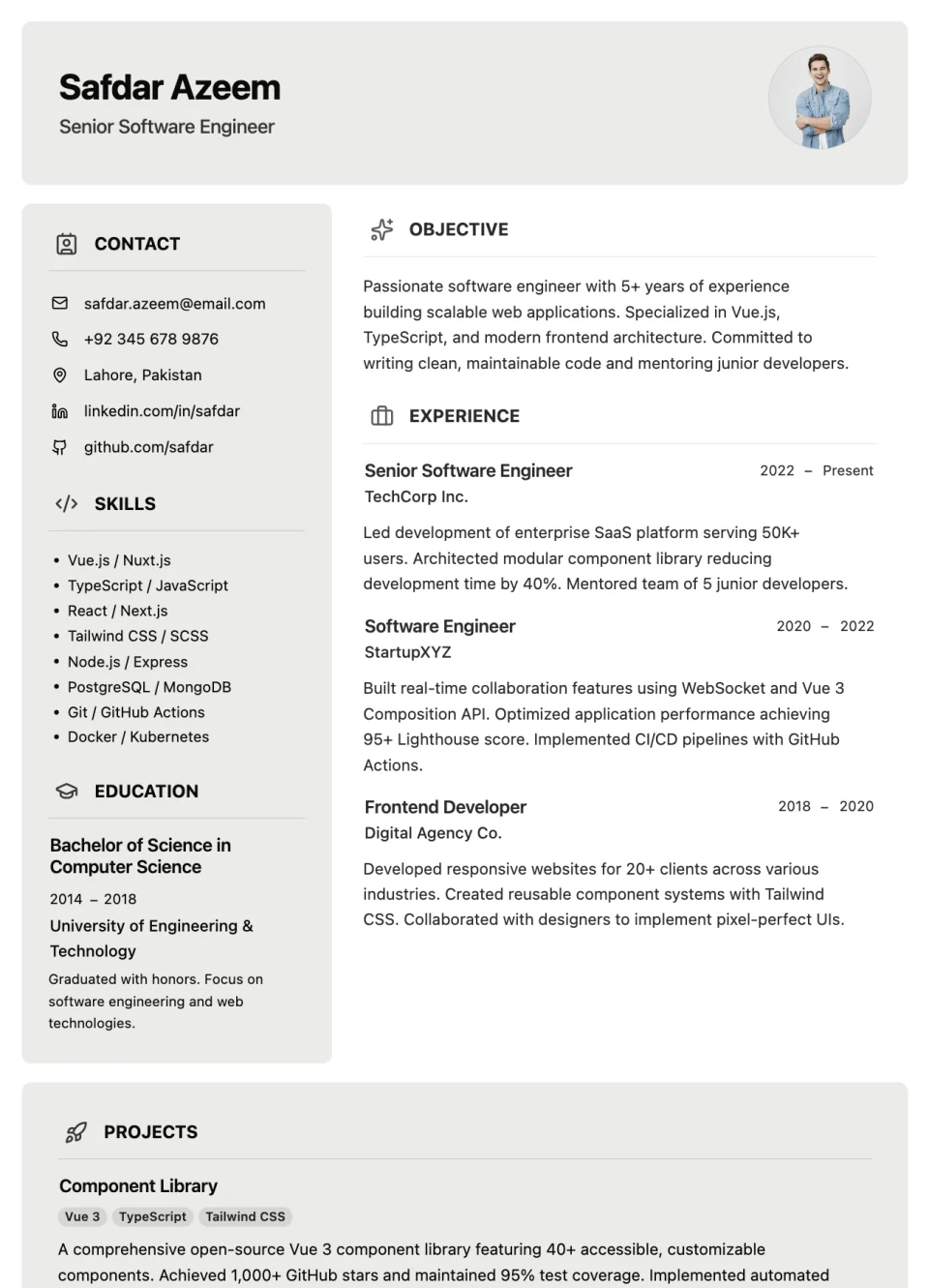
A two-column resume with a boxed name header, an objective above your experience, and a full-width projects section at the bottom.
Resume template
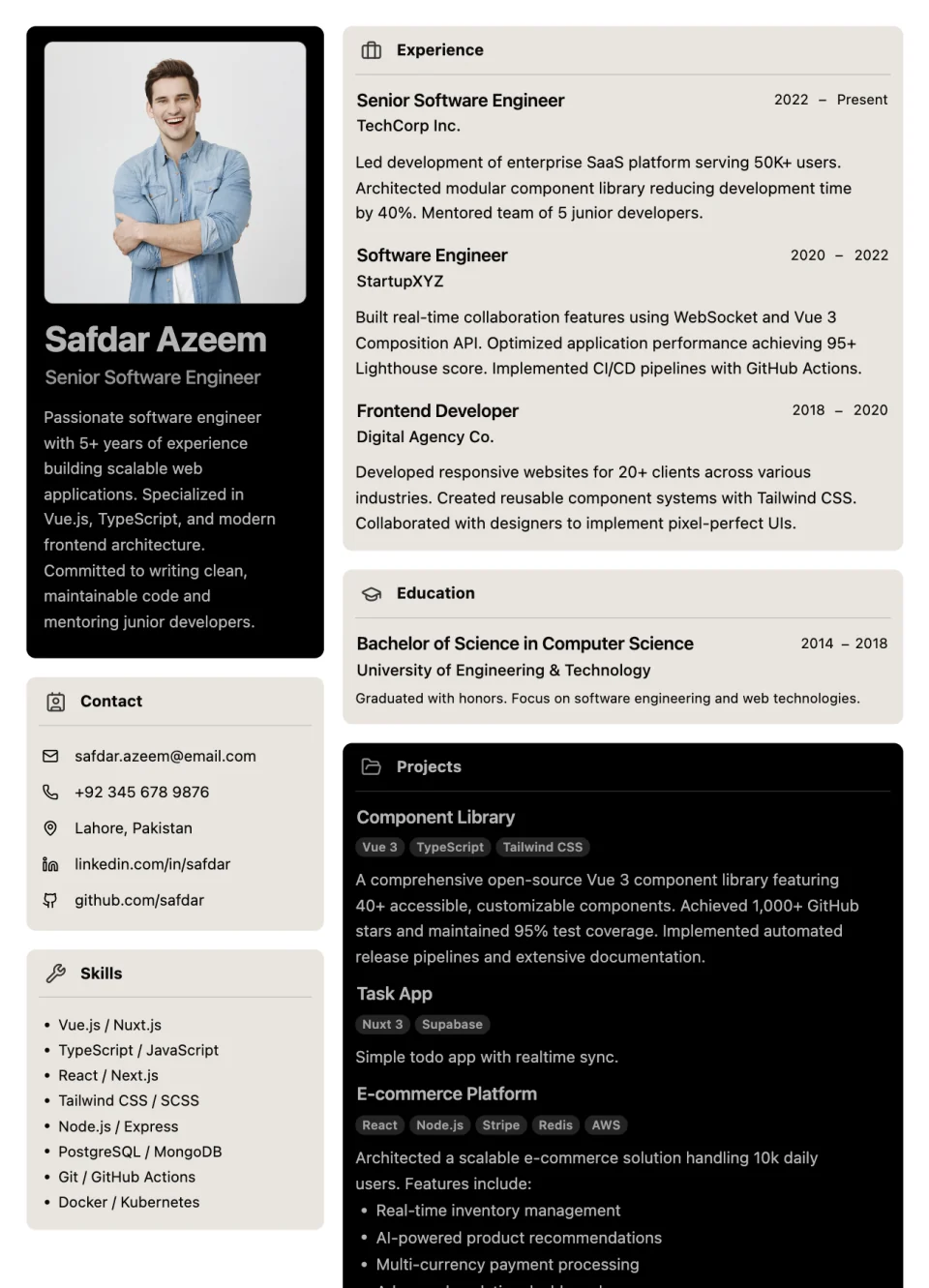
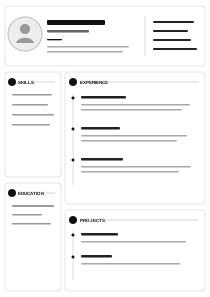
Polished profile header with structured career and qualification cards.
Also browse website templates and invoice templates.
Builto Resume Builder
Resume Builder opens its template step, where you select the template, set its starting style, and create your resume.