
Website template
Portfolio Classicwebsite template
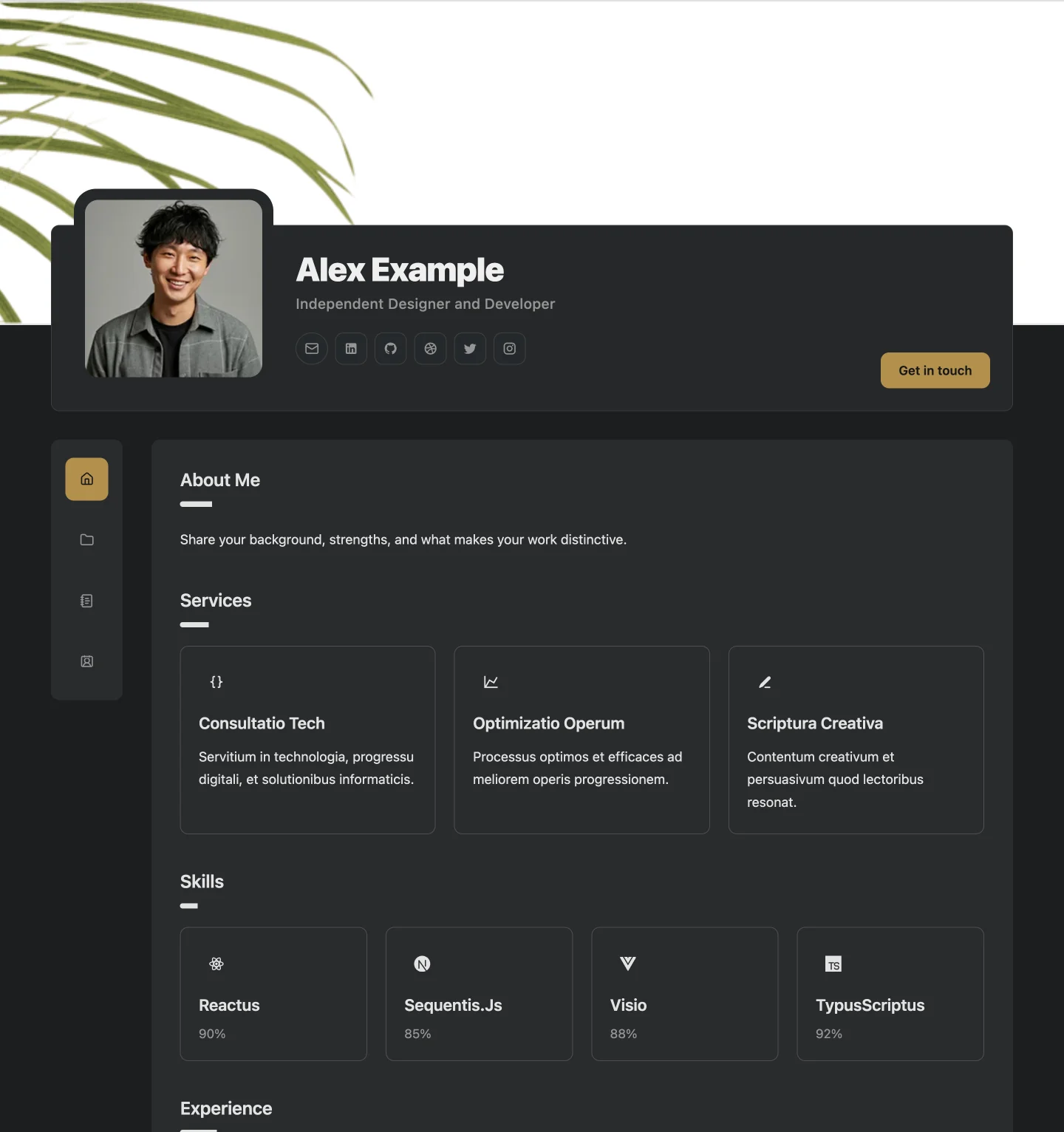
The original Builto portfolio with an overlapping profile, side navigation, and focused page cards.
Website template
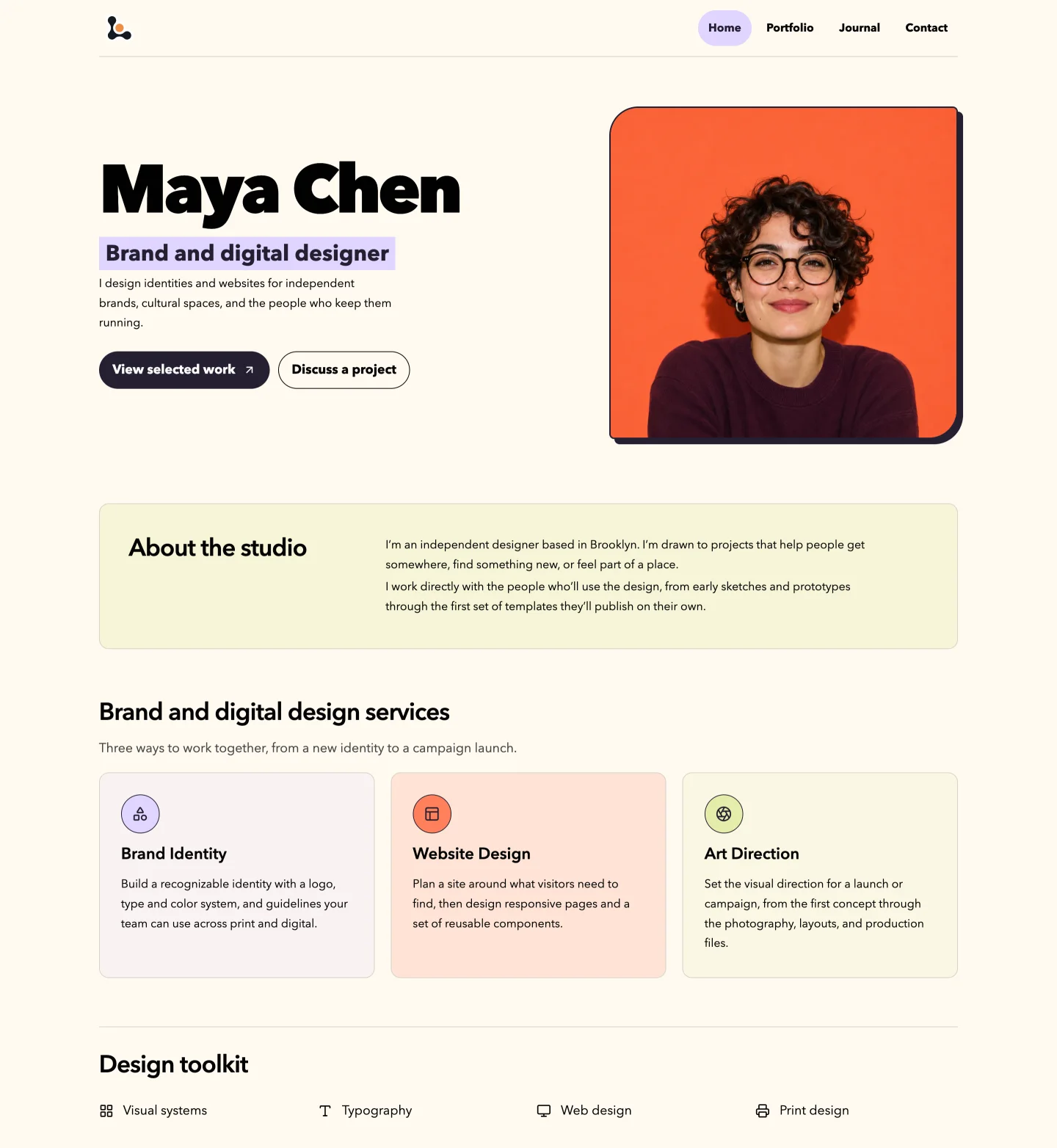
Showcase brand and digital design work with a portrait-led homepage, full-width case studies, and a design journal.
Website Builder opens its template gallery, where you select the template and set its starting colors and typography.
Overview
Portfolio Chroma introduces your design practice with a portrait and a short profile. Full-width project previews give brand identities and campaigns room to stand out.
Use the design journal to write about your process and the contact page to collect inquiries from prospective clients.
Use cases
Show how an identity works across a campaign or a set of applications.
Pair project visuals with the context behind your design decisions.
Bring your services, selected work, and client inquiries together.
How to use it
Select the button on this page and sign in. Website Builder opens its template gallery, where you select the template and set its starting colors and typography. Look for Portfolio Chroma.
Edit your profile, biography, services, skills, experience, projects, and contact details through the editor forms. Hide the sections you do not need.
Check desktop, tablet, and mobile previews, fill in page SEO titles and descriptions, then publish when you are ready.
See every editing, export, and sharing feature on the Website Builder page.
Website template
The original Builto portfolio with an overlapping profile, side navigation, and focused page cards.
Website template
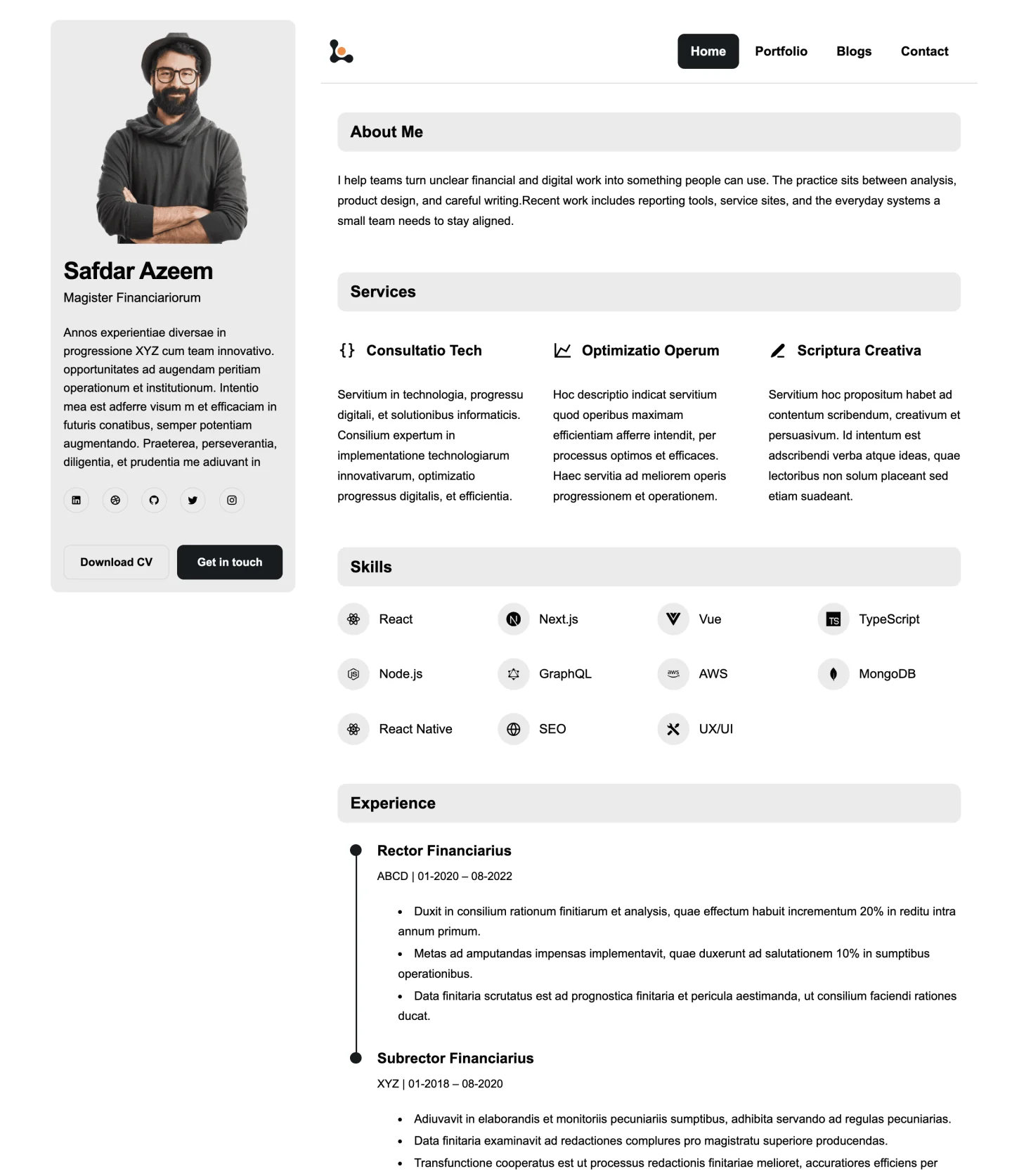
A clean portfolio with a persistent profile sidebar, horizontal navigation, and compact editorial sections.
Website template
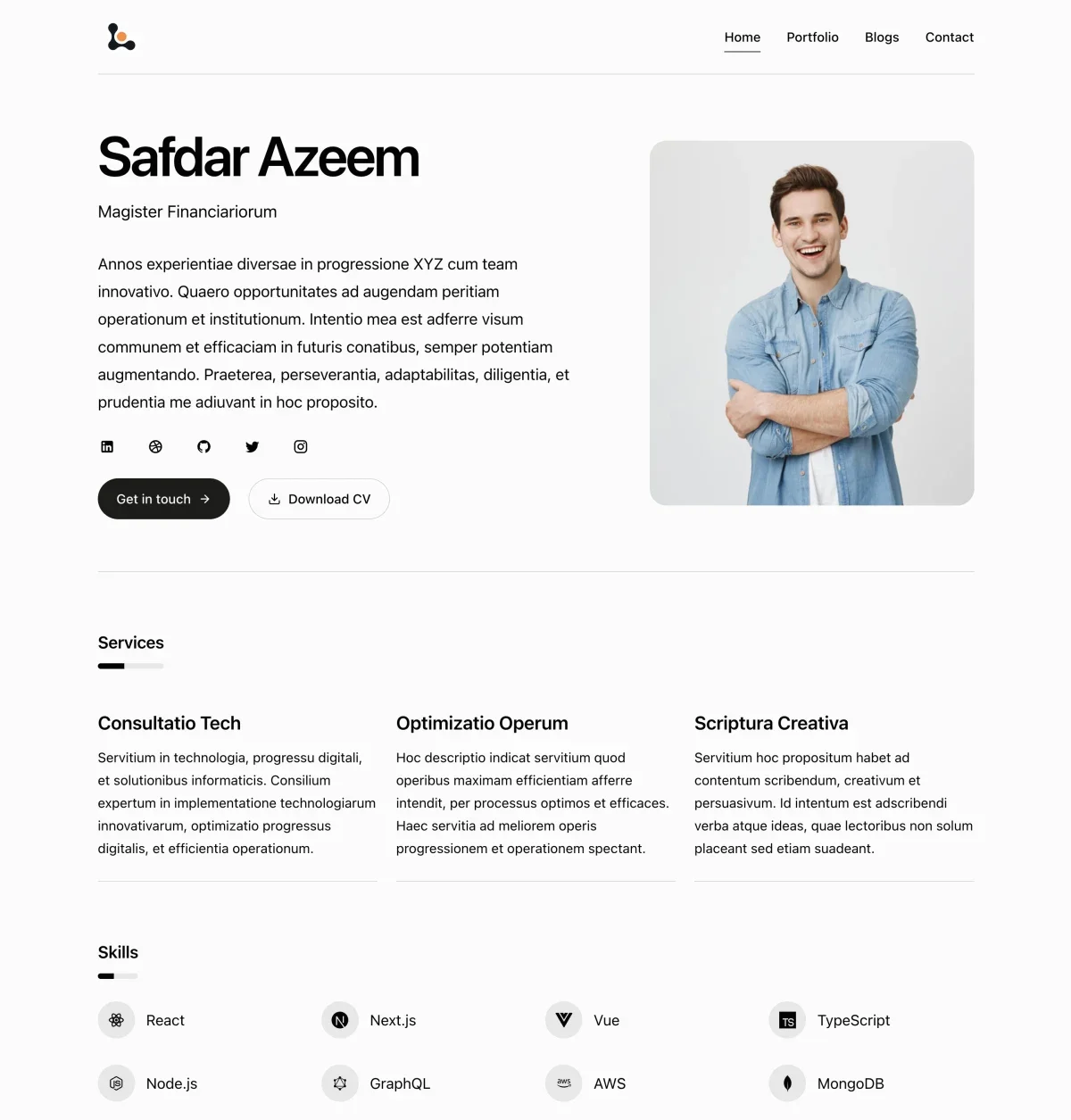
A quiet, single-column portfolio with generous whitespace, text navigation, and hairline-divided sections.
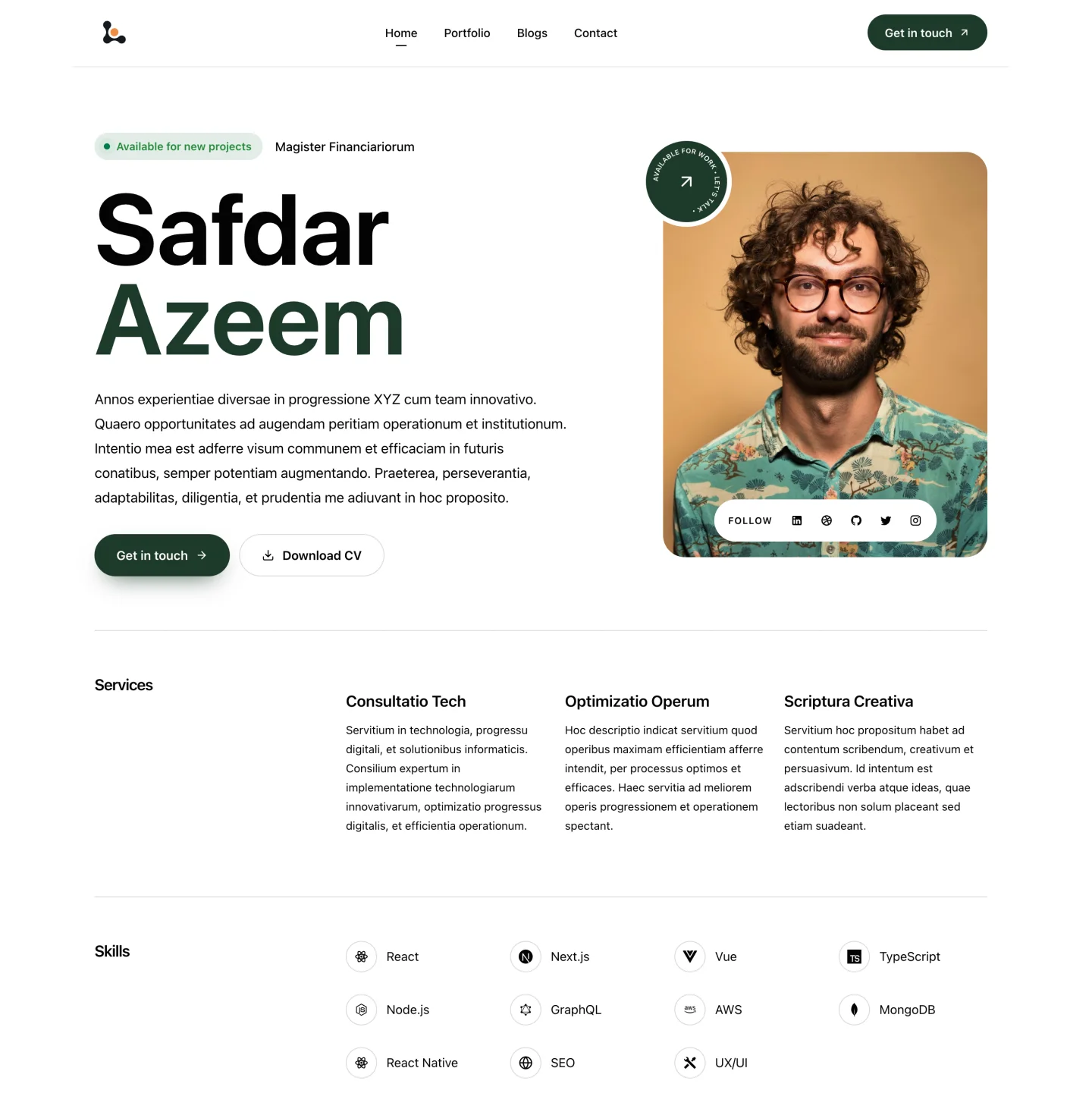
Website template
An agency style portfolio with an oversized name, an inset portrait, and two column sections.
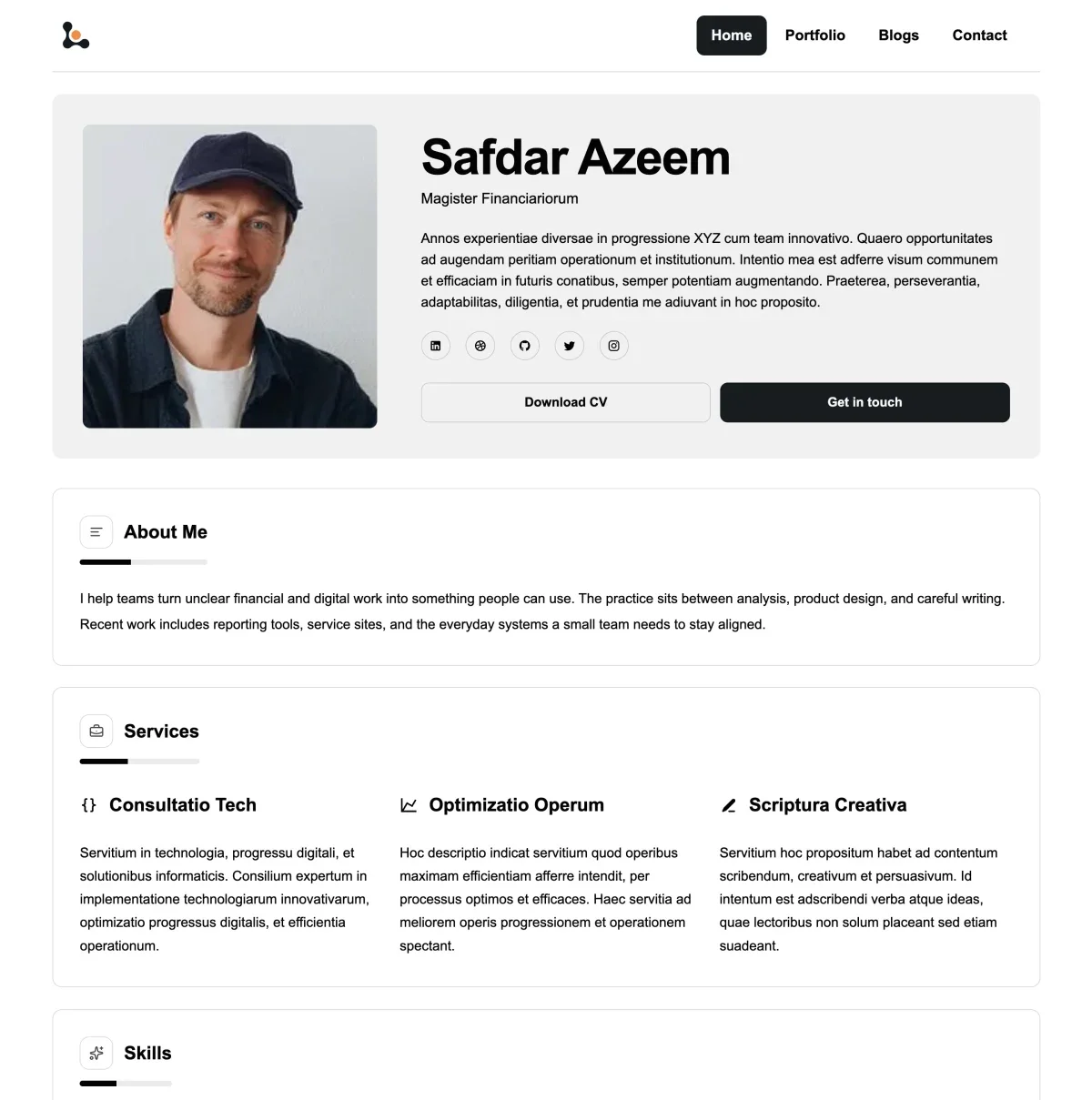
Website template
A portfolio with a wide profile introduction, top navigation, and framed sections.
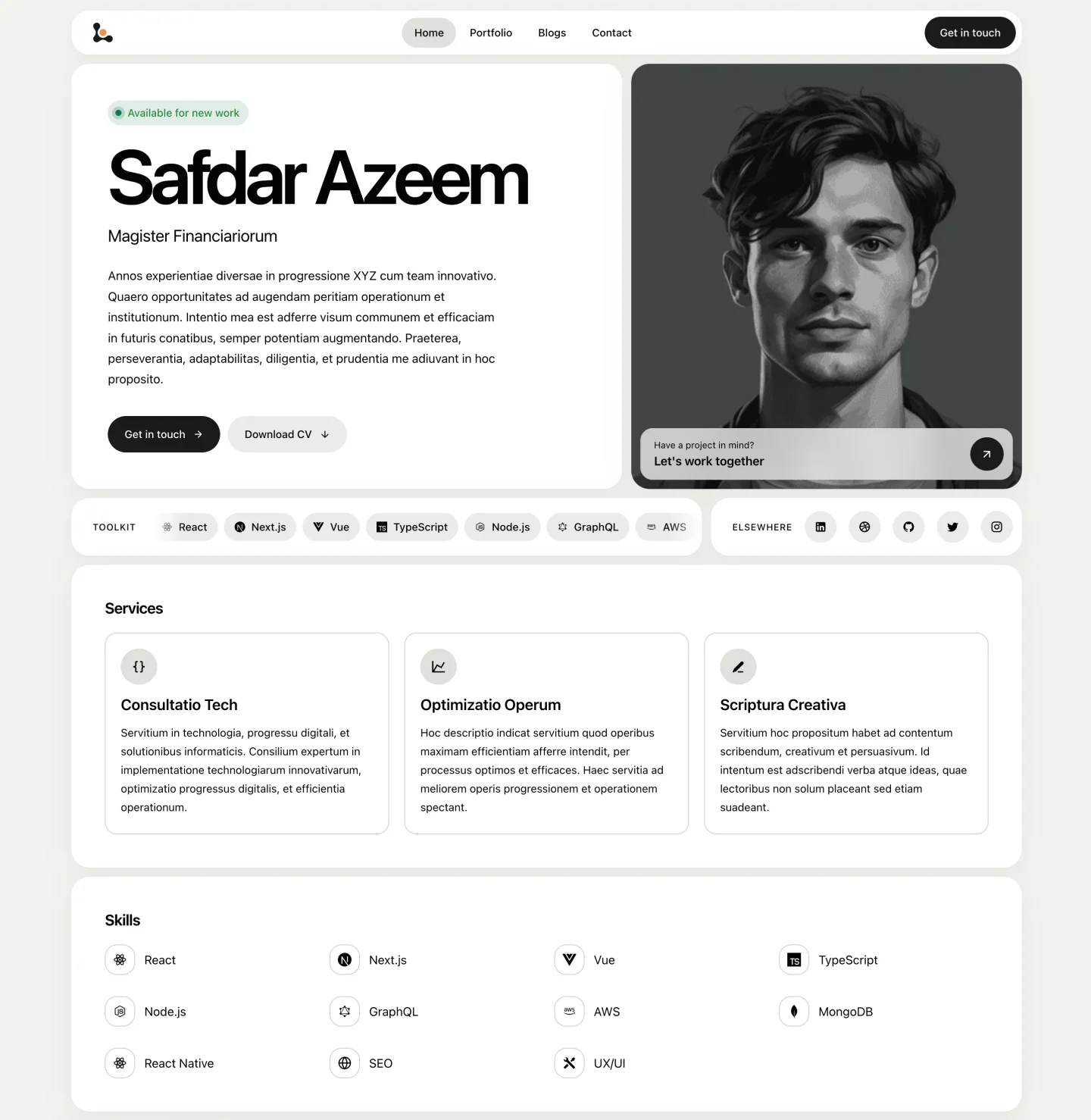
Website template
A portfolio with a tiled profile, a large portrait, and a scrolling skills list.
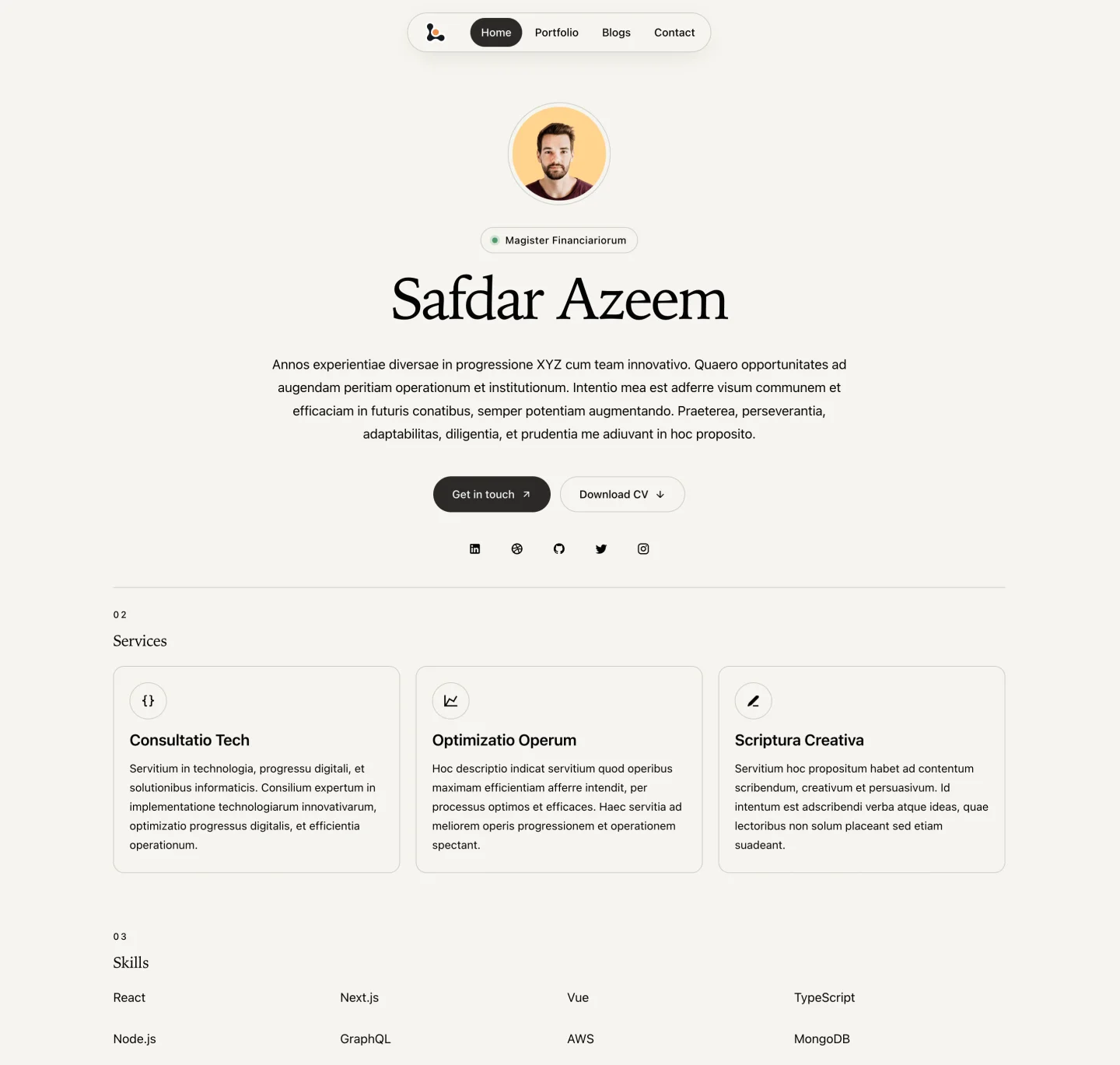
Website template
A centered portfolio with serif headings, floating navigation, and numbered sections.
Also browse resume templates and invoice templates.
Questions and answers
Builto Website Builder
Website Builder opens its template gallery, where you select the template and set its starting colors and typography.