
Website template
Portfolio Sidebarwebsite template
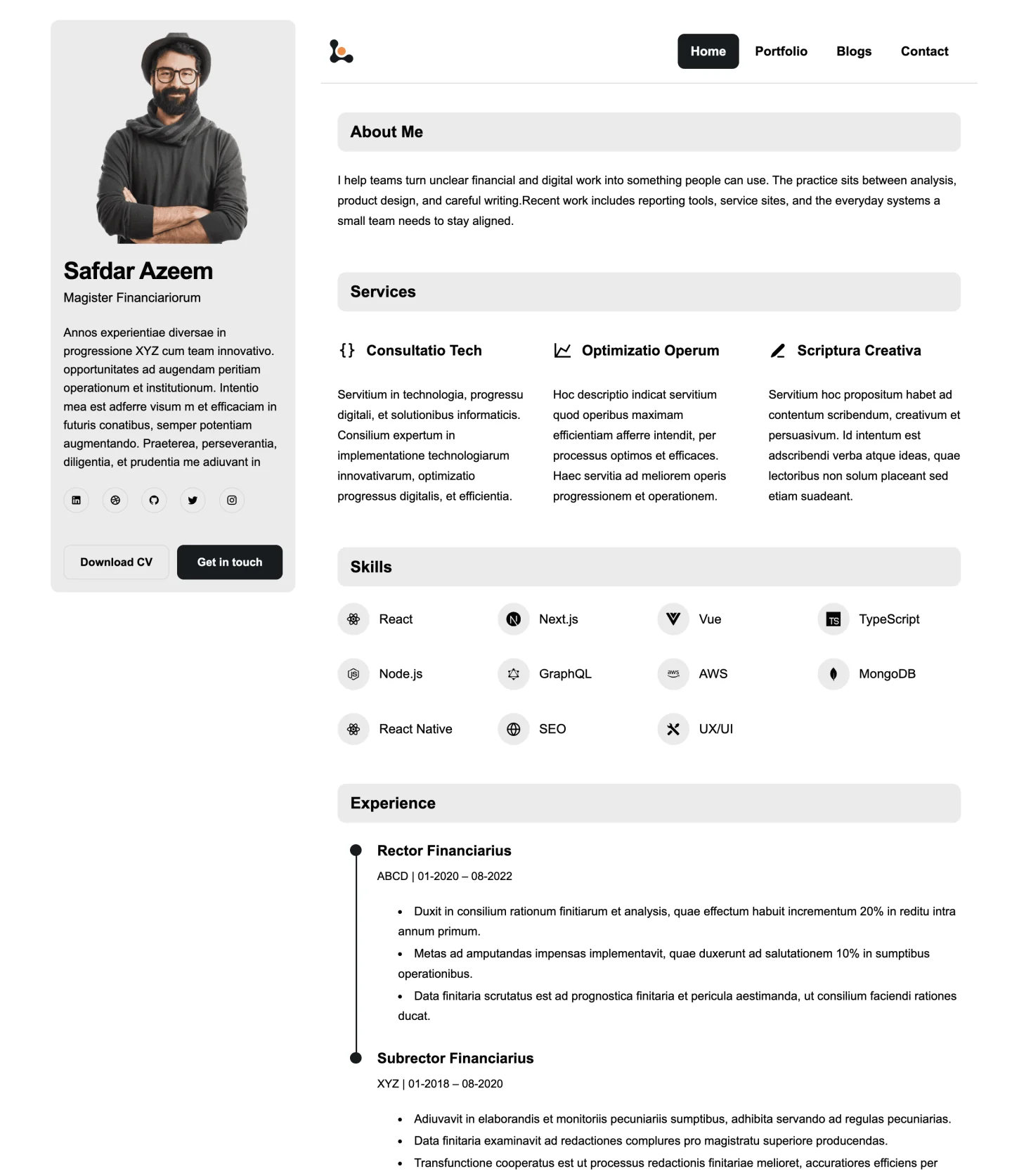
A clean portfolio with a persistent profile sidebar, horizontal navigation, and compact editorial sections.
Website template
The original Builto portfolio with an overlapping profile, side navigation, and focused page cards.
Website Builder opens its template gallery, where you select the template and set its starting colors and typography.
Overview
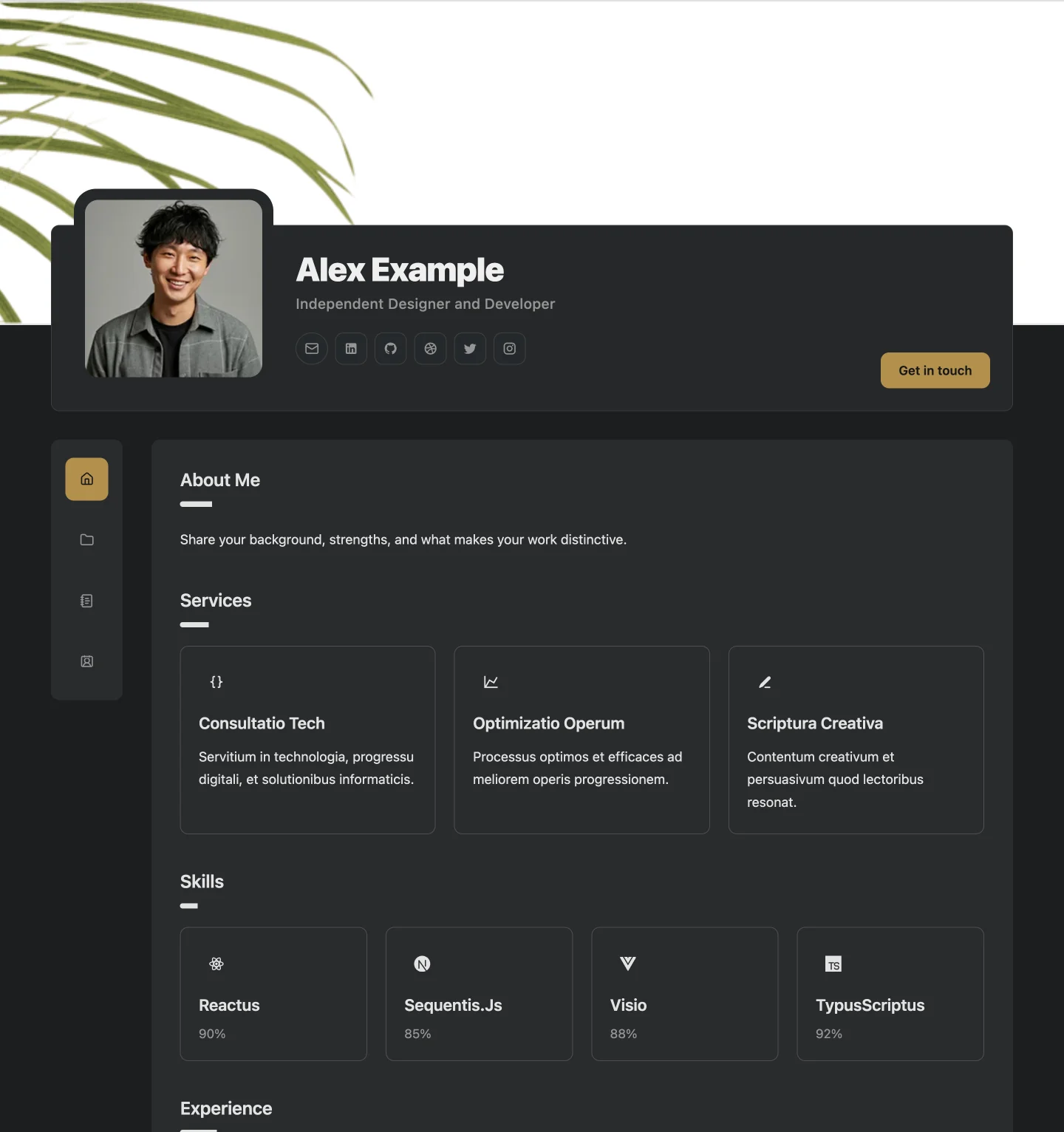
Portfolio Classic is the original Builto portfolio template. A cover image sits behind an overlapping profile card, so your name, title, and photo are the first things visitors see. Navigation stays beside the content, and each page is presented as a focused card.
It ships with a dark theme and a warm gold accent, which gives project images and screenshots a strong frame. Colours, fonts, text size, and content width can all be changed from the theme controls.
Use cases
The dark backdrop lets portfolio images and screenshots stand out.
Project detail pages give room to explain the problem, your role, and the result.
The overlapping profile puts your name and title at the centre of the home page.
How to use it
Select the button on this page and sign in. Website Builder opens its template gallery, where you select the template and set its starting colors and typography. Look for Portfolio Classic.
Edit your profile, biography, services, skills, experience, projects, and contact details through the editor forms. Hide the sections you do not need.
Check desktop, tablet, and mobile previews, fill in page SEO titles and descriptions, then publish when you are ready.
See every editing, export, and sharing feature on the Website Builder page.
Website template
A clean portfolio with a persistent profile sidebar, horizontal navigation, and compact editorial sections.
Also browse resume templates and invoice templates.
Questions and answers
Builto Website Builder
Website Builder opens its template gallery, where you select the template and set its starting colors and typography.