
Website template
Portfolio Classicwebsite template
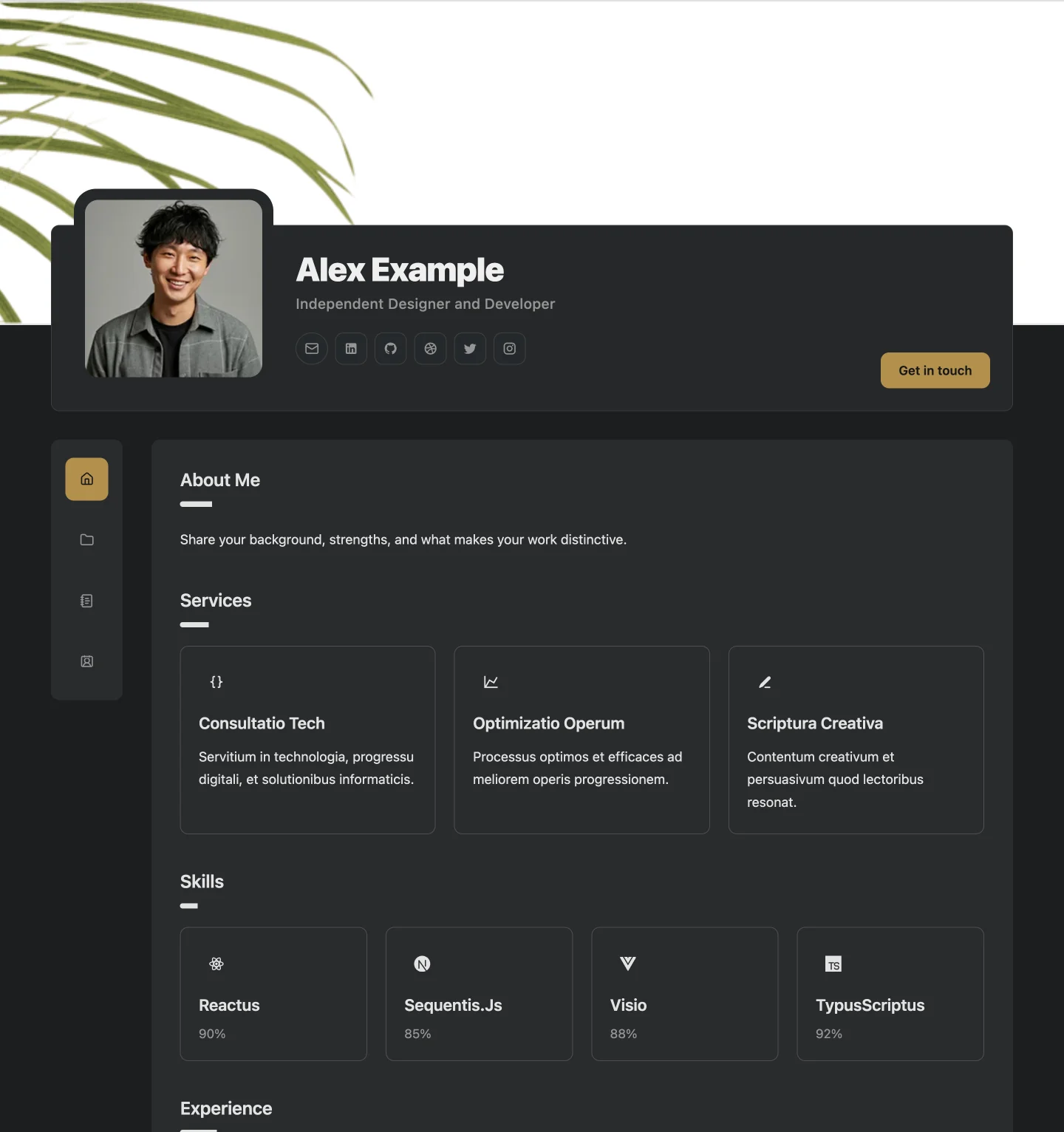
The original Builto portfolio with an overlapping profile, side navigation, and focused page cards.
Website template
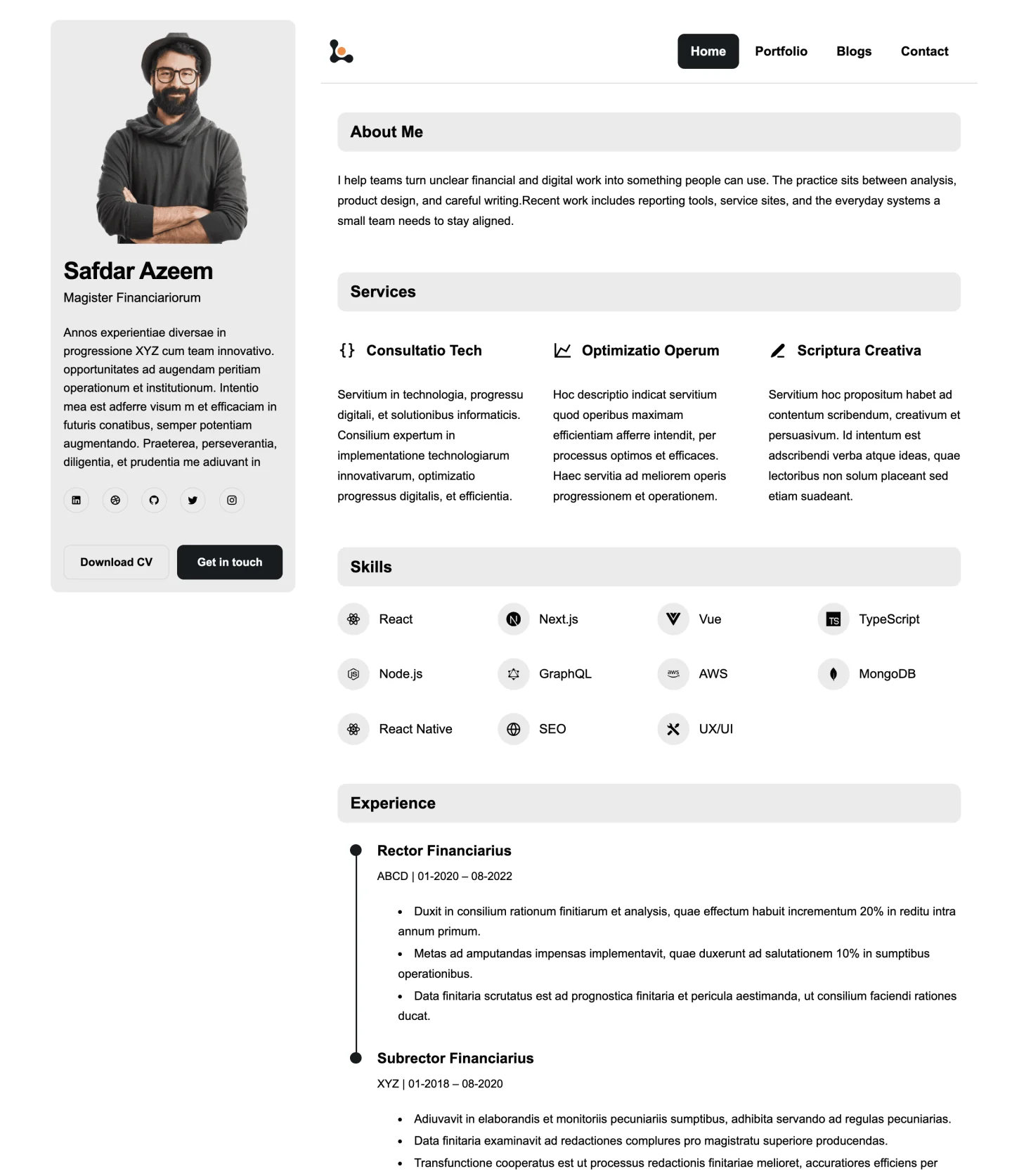
A clean portfolio with a persistent profile sidebar, horizontal navigation, and compact editorial sections.
Website Builder opens its template gallery, where you select the template and set its starting colors and typography.
Overview
Portfolio Sidebar keeps your profile visible on every page in a persistent sidebar, while navigation runs horizontally above the content. Visitors always know whose site they are on and can reach your contact details from anywhere.
The light, minimal theme and compact editorial sections make it easy to read longer text, which suits written case studies, articles, and detailed experience.
Use cases
Keeping contact details in the sidebar makes it easy for prospective clients to reach you.
Compact editorial sections suit text-heavy pages and articles.
A clean, scannable layout works well as an online companion to your resume.
How to use it
Select the button on this page and sign in. Website Builder opens its template gallery, where you select the template and set its starting colors and typography. Look for Portfolio Sidebar.
Edit your profile, biography, services, skills, experience, projects, and contact details through the editor forms. Hide the sections you do not need.
Check desktop, tablet, and mobile previews, fill in page SEO titles and descriptions, then publish when you are ready.
See every editing, export, and sharing feature on the Website Builder page.
Website template
The original Builto portfolio with an overlapping profile, side navigation, and focused page cards.
Also browse resume templates and invoice templates.
Builto Website Builder
Website Builder opens its template gallery, where you select the template and set its starting colors and typography.