
Invoice template
Classic invoice template
Clean, professional invoice layout.
Invoice Builder opens your invoice list. Select Create Invoice and choose the template from the system templates in the gallery.
Overview
About the Classic template
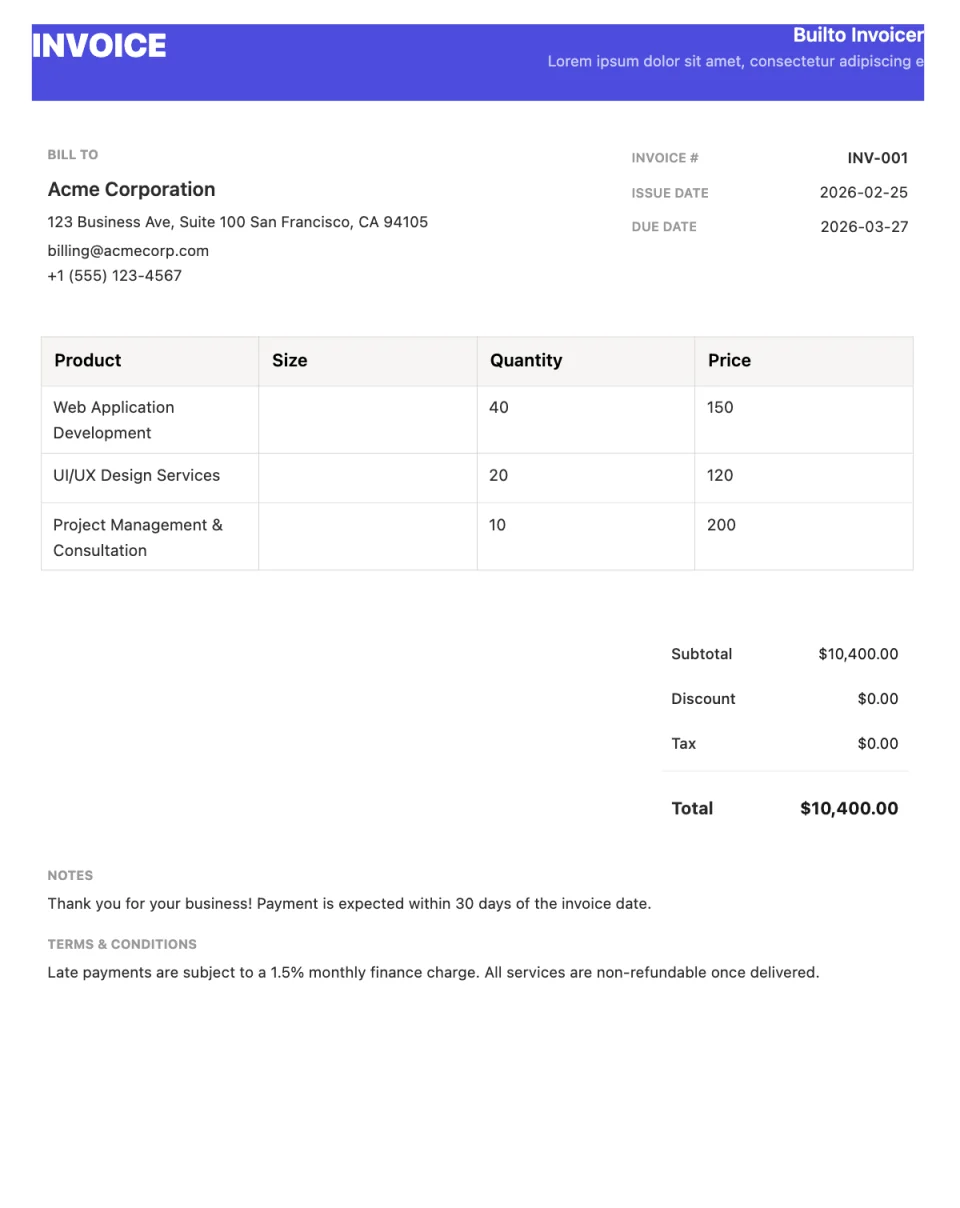
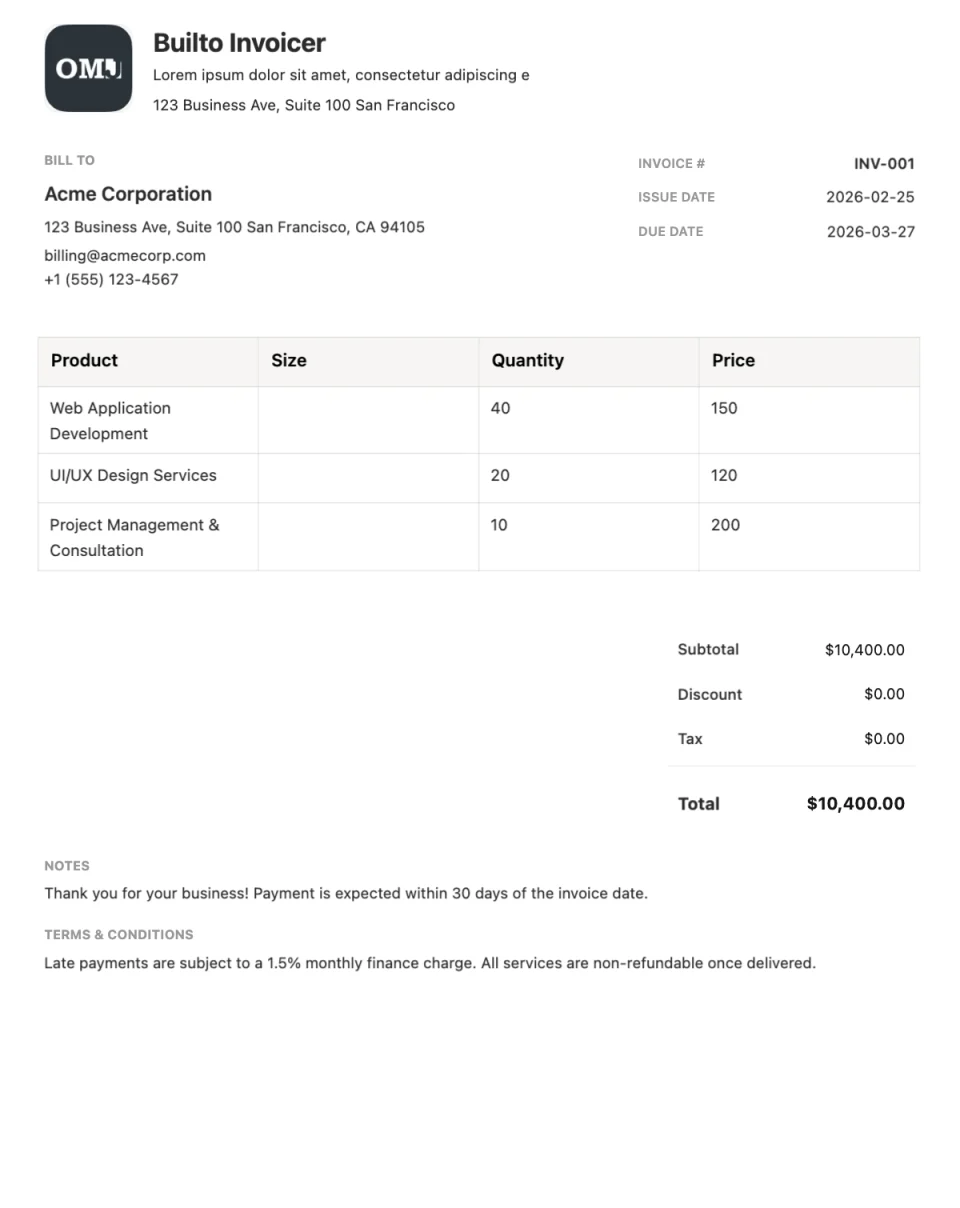
Classic is a clean, professional invoice layout that works for almost any business. Your brand and business details sit at the top, followed by customer information, an itemized table of products or services, and a summary of totals.
If you are not sure which invoice design to use, Classic is a dependable starting point: it is easy to read, prints well, and keeps attention on the amounts due.
What the layout includes
- Brand
- Logo, business name, and contact details.
- Customer
- Who the invoice is billed to, with invoice number and dates.
- Line items
- Descriptions, quantities, unit prices, and amounts.
- Summary and footer
- Subtotal, discount, tax, total, and payment notes.
Use cases
Who the Classic template suits
Small businesses
A neutral layout that suits most industries.
Freelancers starting out
A straightforward invoice clients will recognize.
Product and service sales
The itemized table handles both goods and services.
How to use it
How to use the Classic template
Open Classic in Invoice Builder
Select the button on this page and sign in. Invoice Builder opens your invoice list. Select Create Invoice and choose the template from the system templates in the gallery. Look for Classic.
Add the work and the details
Edit your business and customer details, invoice number, dates, line items, discount, and tax directly on the page.
Download or share
Check the totals, then export a PDF, print, or enable a public viewing link.
Customization tips for Classic
- Use a consistent invoice numbering scheme so payments are easy to match.
- Put payment terms and accepted payment methods in the footer.
- Save your filled-in business details as a blueprint to reuse next time.
See every editing, export, and sharing feature on the Invoice Builder page.

Questions and answers
Classic
questions and answers.
Builto Invoice Builder
Start your invoice with Classic.
Invoice Builder opens your invoice list. Select Create Invoice and choose the template from the system templates in the gallery.