
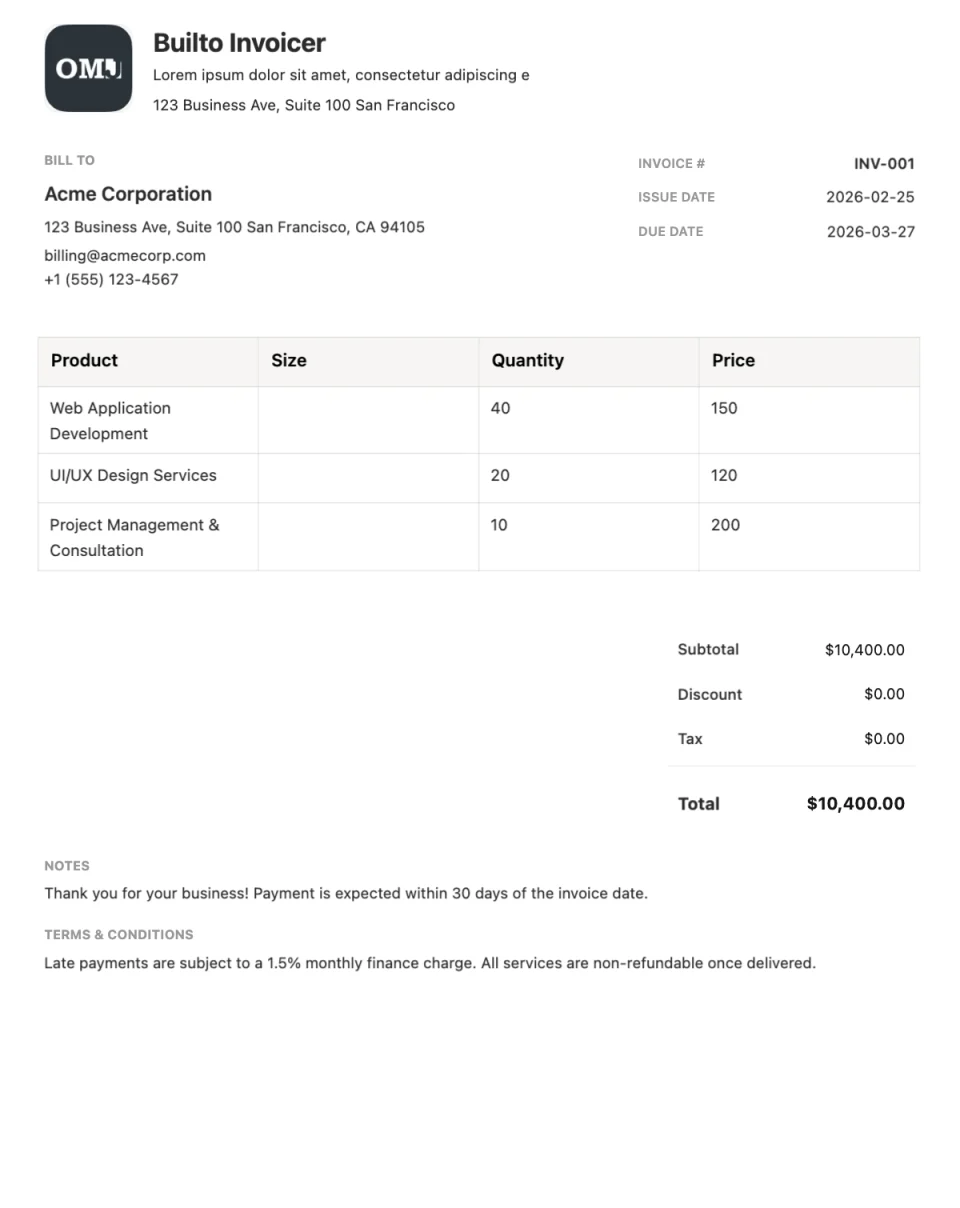
Invoice template
Formal invoice template
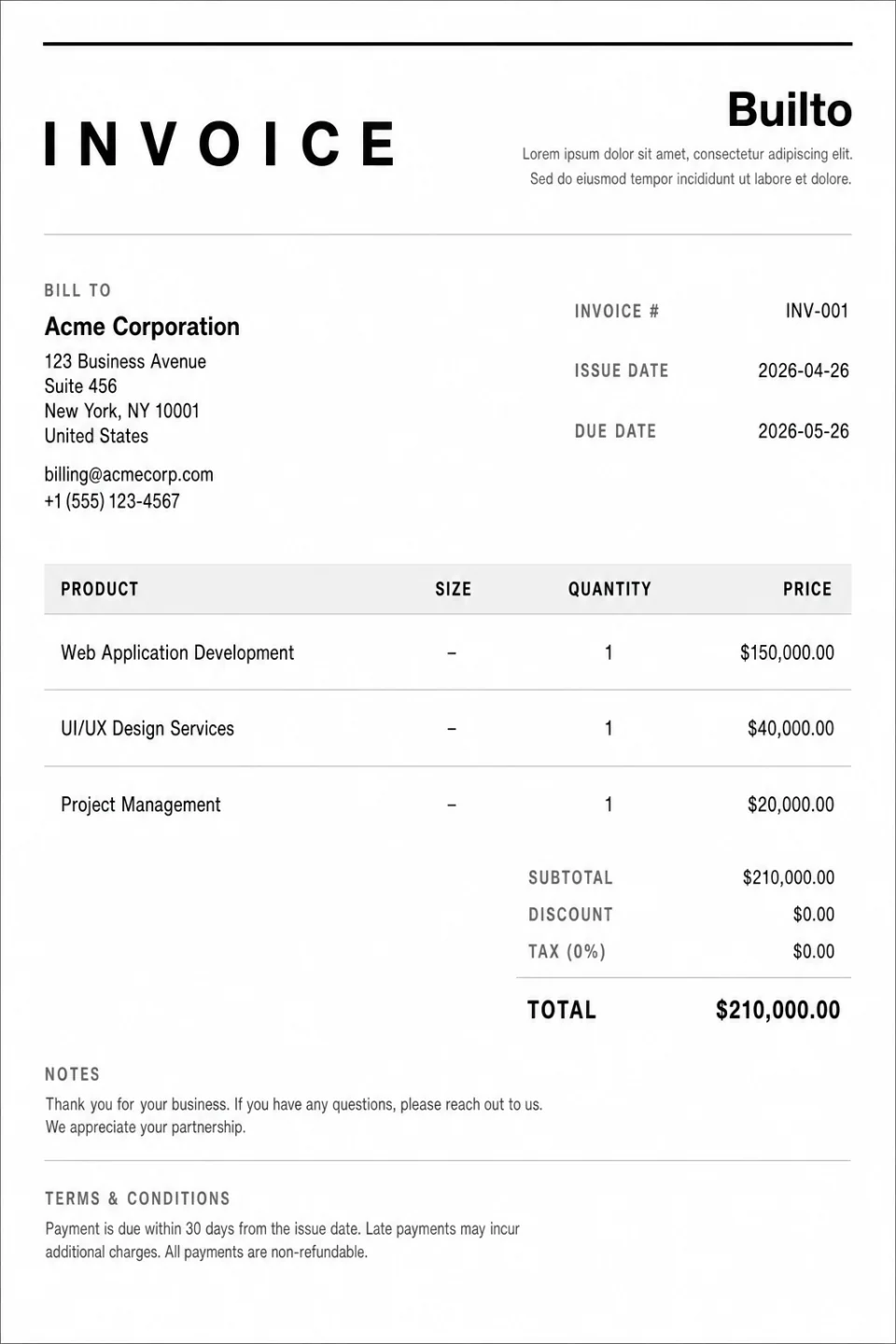
High-contrast monochrome invoice with bold table header.
Invoice Builder opens your invoice list. Select Create Invoice and choose the template from the system templates in the gallery.

Overview
About the Formal template
Formal is a high-contrast monochrome invoice with a bold table header. The dark header row makes the line-item table the visual anchor of the page, so clients can quickly scan what they are paying for.
Its strong contrast keeps it legible both on screen and in print, and its restrained style suits established firms and formal client relationships.
What the layout includes
- Brand
- Business name, logo, and details.
- Customer
- Billing details, invoice number, and dates.
- Bold line-item table
- A high-contrast header row above itemized services or products.
- Summary and footer
- Totals, terms, and notes.
Use cases
Who the Formal template suits
Established firms
A formal, authoritative look for corporate clients.
Itemized billing
The bold table header makes long item lists easy to scan.
Legal, accounting, and contracting work
A conservative style for formal documents.
How to use it
How to use the Formal template
Open Formal in Invoice Builder
Select the button on this page and sign in. Invoice Builder opens your invoice list. Select Create Invoice and choose the template from the system templates in the gallery. Look for Formal.
Add the work and the details
Edit your business and customer details, invoice number, dates, line items, discount, and tax directly on the page.
Download or share
Check the totals, then export a PDF, print, or enable a public viewing link.
Customization tips for Formal
- Group related line items so the table stays easy to follow.
- Keep column labels short so the bold header stays on one line.
- State the due date and late-payment terms clearly in the footer.
See every editing, export, and sharing feature on the Invoice Builder page.
Questions and answers
Formal
questions and answers.
Builto Invoice Builder
Start your invoice with Formal.
Invoice Builder opens your invoice list. Select Create Invoice and choose the template from the system templates in the gallery.