
Invoice template
Minimal invoice template
Clean monochrome invoice for professional print.
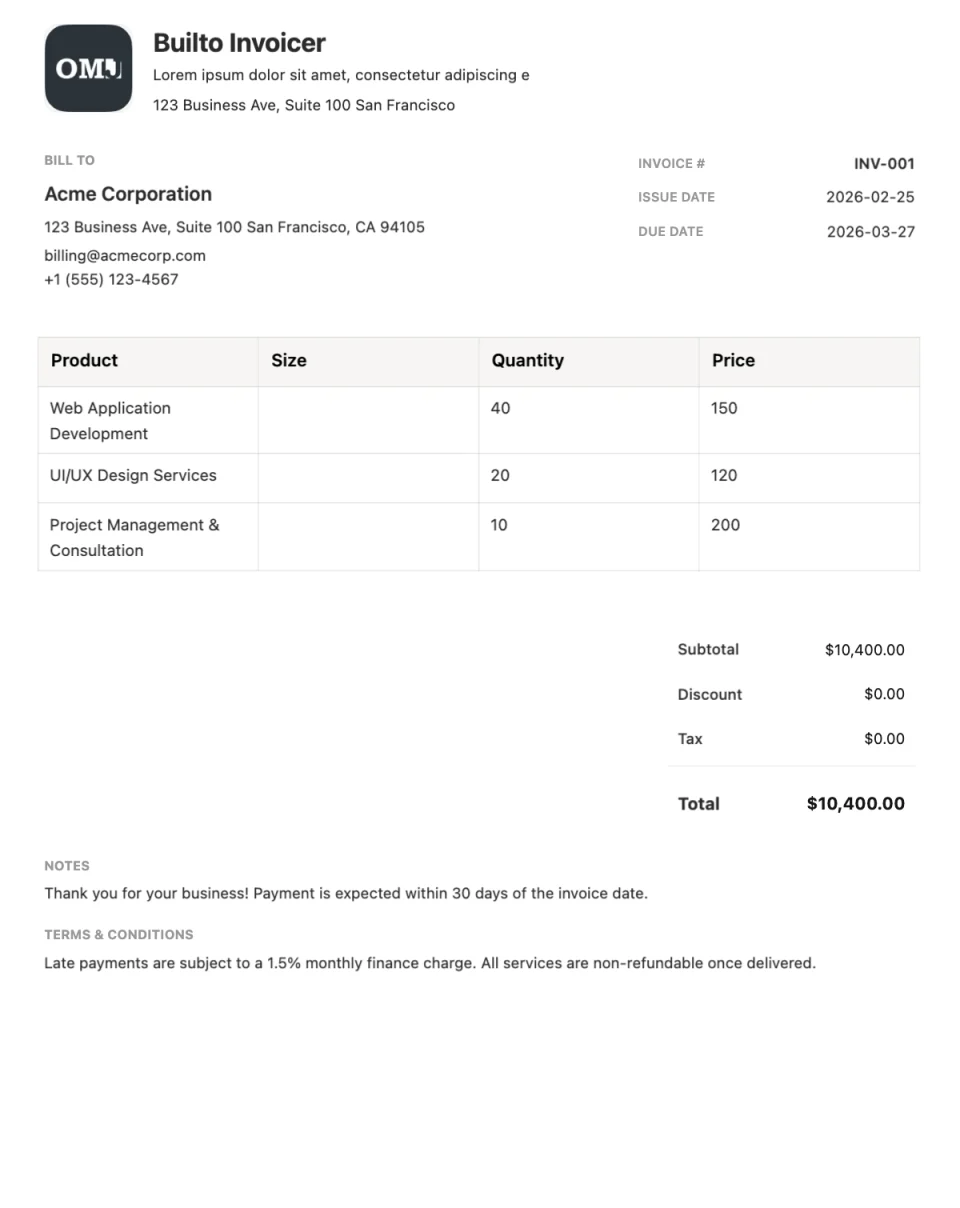
Invoice Builder opens your invoice list. Select Create Invoice and choose the template from the system templates in the gallery.
Overview
About the Minimal template
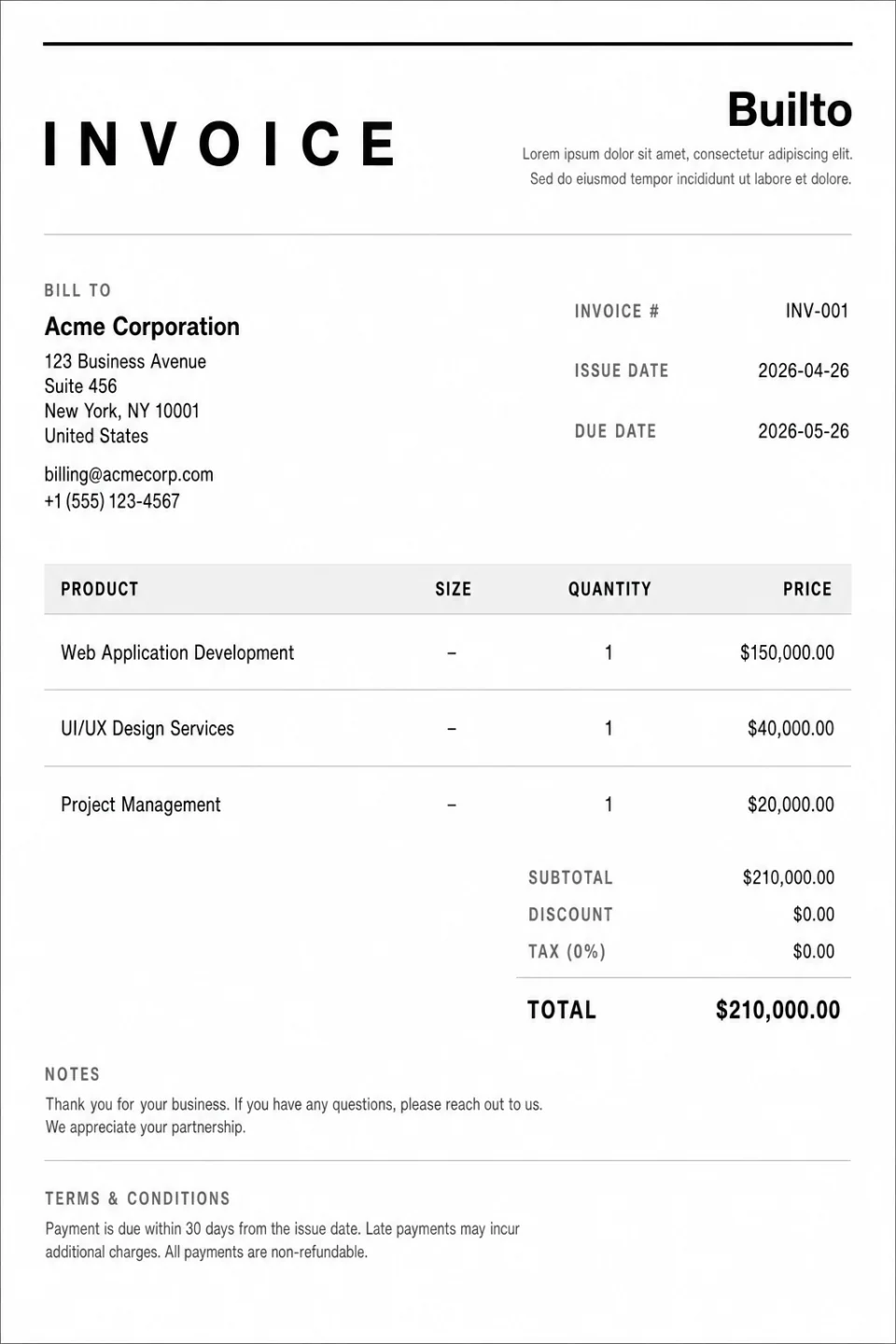
Minimal is a clean monochrome invoice built for professional print. Without colour fills, it prints sharply on any printer and photocopies well, while plenty of white space keeps it easy to read.
Choose Minimal when clarity matters more than branding, or when clients and accountants file paper copies.
What the layout includes
- Brand
- Business name, logo, and details in a simple header.
- Customer
- Billing details, invoice number, and dates.
- Line items
- A clean itemized table.
- Summary and footer
- Totals and payment terms.
Use cases
Who the Minimal template suits
Printed and filed invoices
Monochrome output prints cleanly without wasting ink.
Consultants and professional services
An understated look that keeps focus on the work.
Accounting records
Easy-to-read amounts for bookkeeping.
How to use it
How to use the Minimal template
Open Minimal in Invoice Builder
Select the button on this page and sign in. Invoice Builder opens your invoice list. Select Create Invoice and choose the template from the system templates in the gallery. Look for Minimal.
Add the work and the details
Edit your business and customer details, invoice number, dates, line items, discount, and tax directly on the page.
Download or share
Check the totals, then export a PDF, print, or enable a public viewing link.
Customization tips for Minimal
- Use clear line-item descriptions since there is no colour to separate sections.
- Preview the print layout and page breaks before printing long invoices.
- Add your tax or registration details in the footer if your region requires them.
See every editing, export, and sharing feature on the Invoice Builder page.

Questions and answers
Minimal
questions and answers.
Builto Invoice Builder
Start your invoice with Minimal.
Invoice Builder opens your invoice list. Select Create Invoice and choose the template from the system templates in the gallery.