
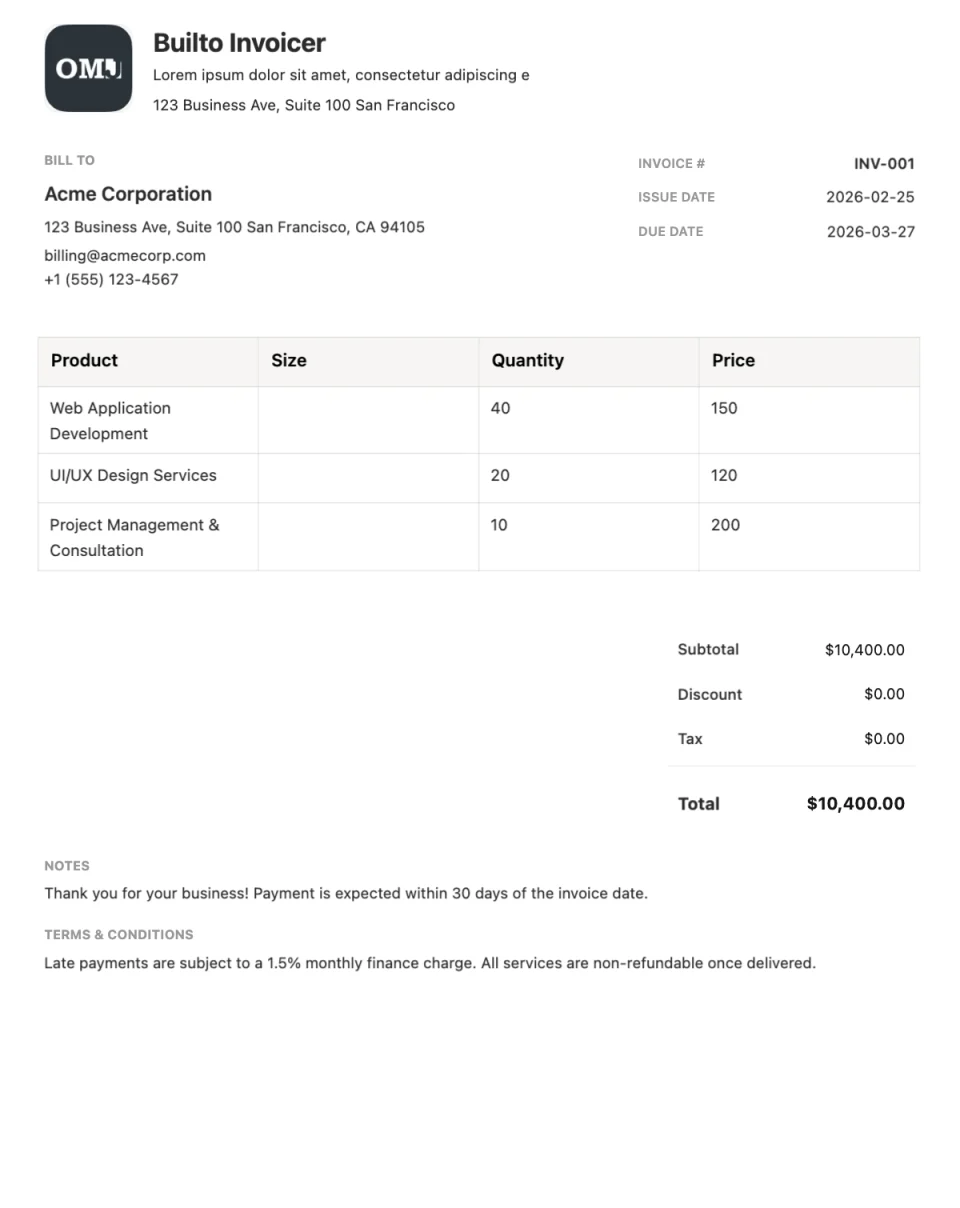
Invoice template
Modern invoice template
Bold, contemporary invoice design.
Invoice Builder opens your invoice list. Select Create Invoice and choose the template from the system templates in the gallery.
Overview
About the Modern template
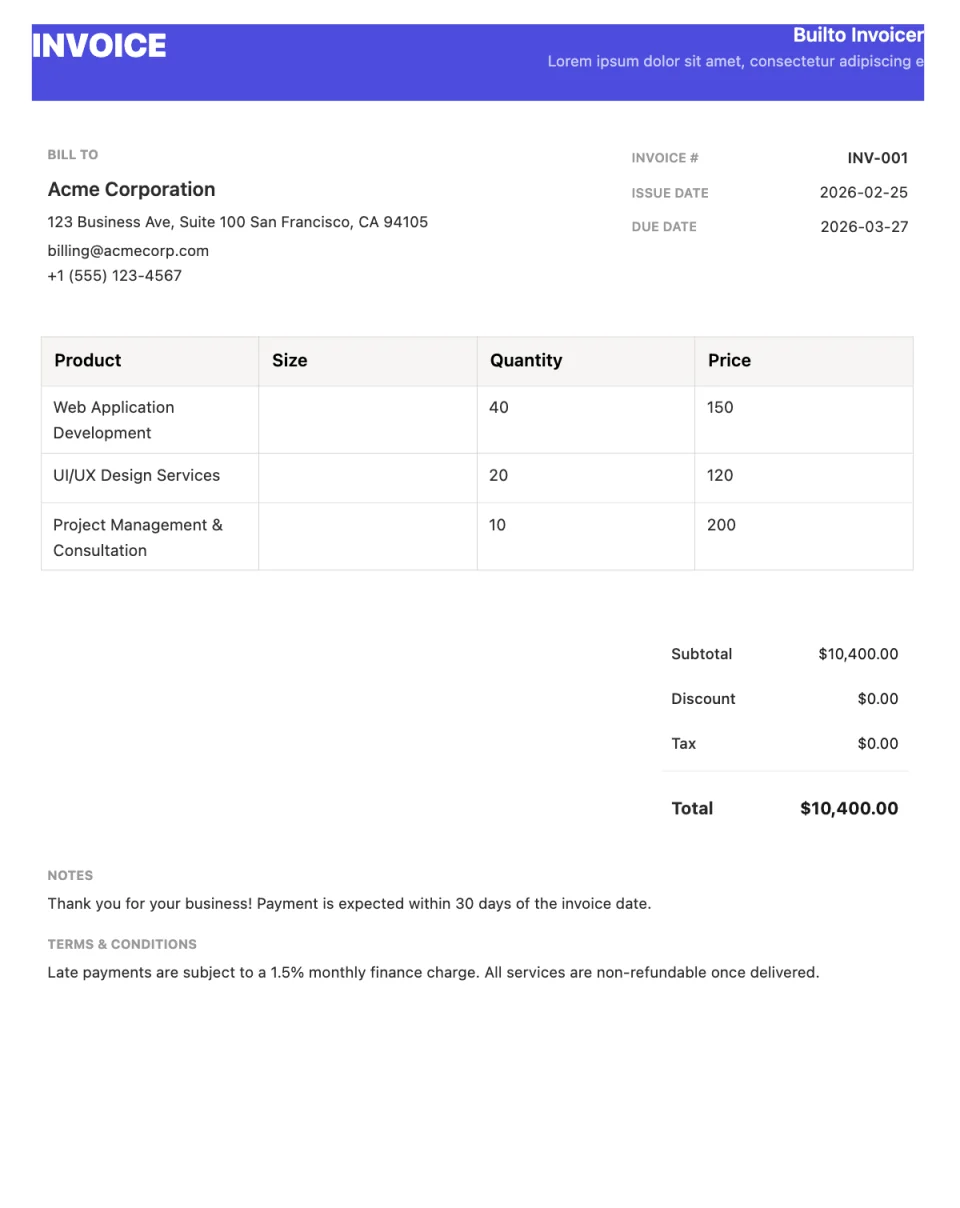
Modern is a bold, contemporary invoice design that puts your brand front and centre. It suits businesses that want their invoices to look as considered as the rest of their materials.
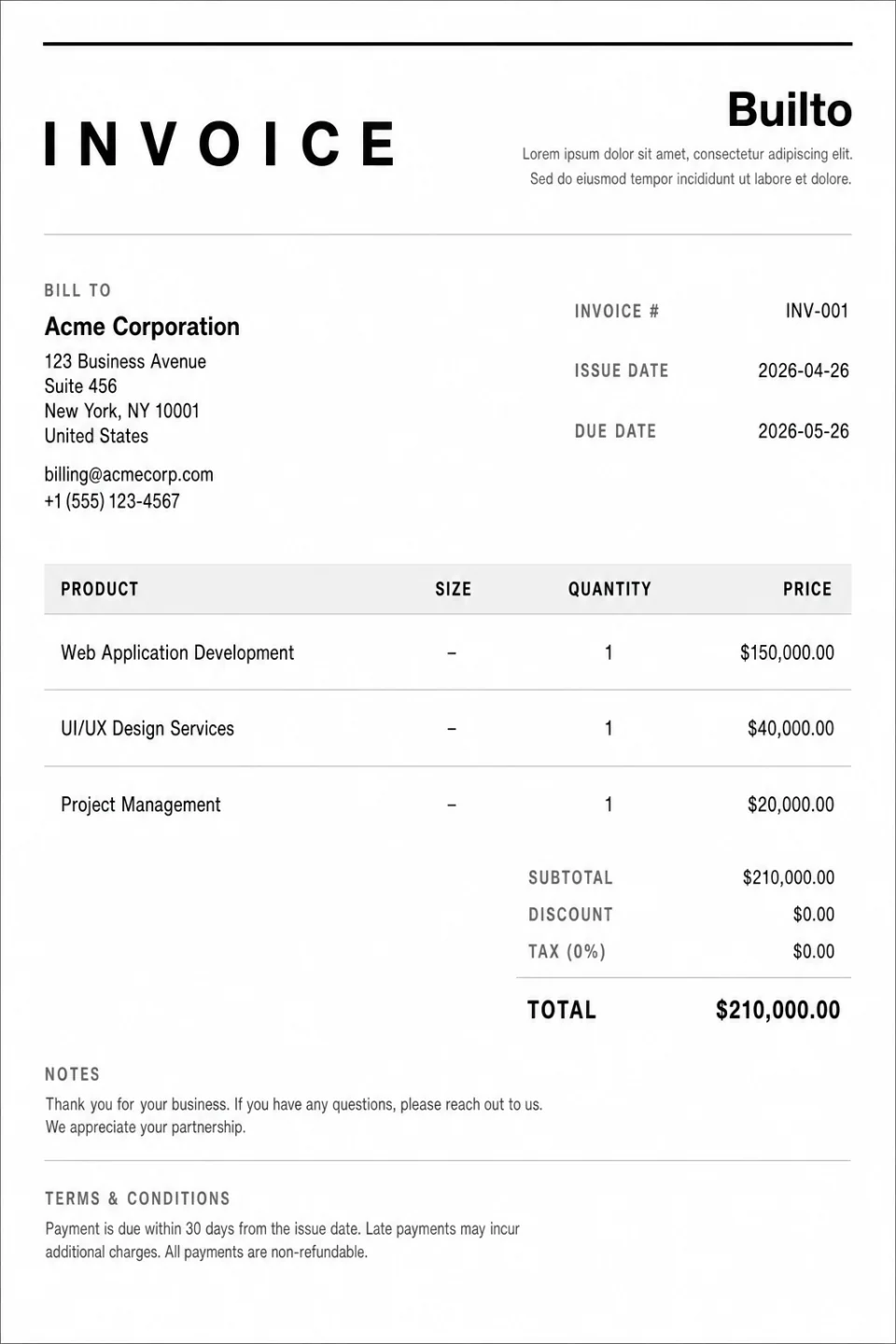
It contains the same essentials as every Builto invoice: brand details, customer information, line items, a totals summary, and a footer for terms.
What the layout includes
- Bold brand header
- Your logo and business details in a prominent header.
- Customer and invoice details
- Billing contact, invoice number, and dates.
- Line items and summary
- An itemized table with subtotal, discount, tax, and total.
- Footer
- Payment terms, bank details, or a thank-you note.
Use cases
Who the Modern template suits
Creative studios and agencies
A design-forward invoice that carries your brand colours.
Freelance designers and developers
An invoice that matches a modern portfolio.
Invoices sent as PDFs
Colour and contrast look best on screen.
How to use it
How to use the Modern template
Open Modern in Invoice Builder
Select the button on this page and sign in. Invoice Builder opens your invoice list. Select Create Invoice and choose the template from the system templates in the gallery. Look for Modern.
Add the work and the details
Edit your business and customer details, invoice number, dates, line items, discount, and tax directly on the page.
Download or share
Check the totals, then export a PDF, print, or enable a public viewing link.
Customization tips for Modern
- Set the primary colour to your brand colour in the configuration panel.
- Use a logo with a transparent background so it sits cleanly in the header.
- Review contrast if you plan to print in black and white.
See every editing, export, and sharing feature on the Invoice Builder page.

Questions and answers
Modern
questions and answers.
Builto Invoice Builder
Start your invoice with Modern.
Invoice Builder opens your invoice list. Select Create Invoice and choose the template from the system templates in the gallery.